4-2
LS 5700/LS 5800 Product Reference Guide
LS 5800
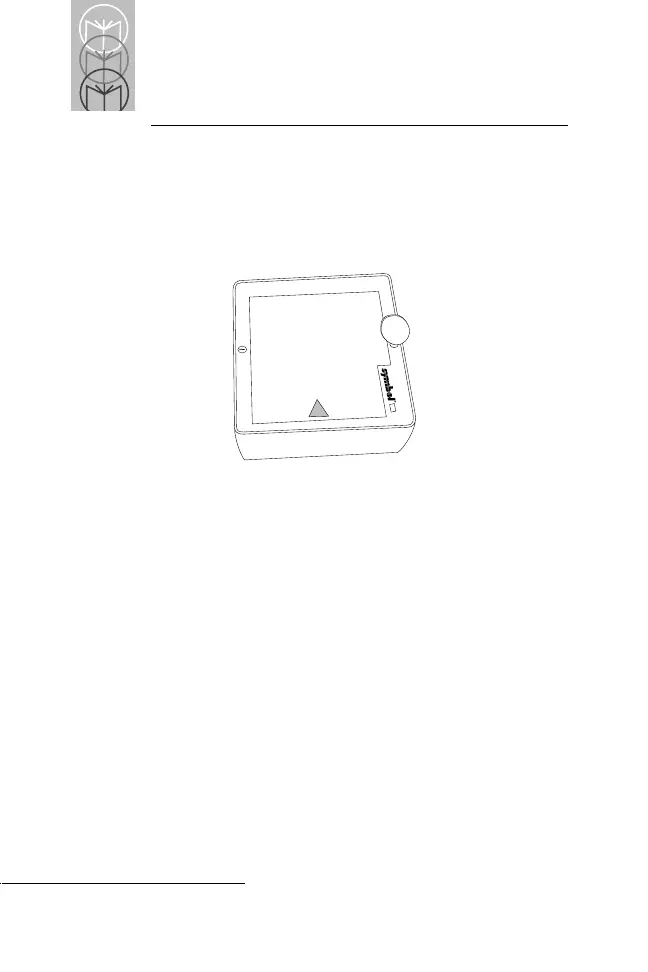
To change or clean the exit window:
• Insert a coin into the large screw heads on the front of
the scanner and turn counter-clockwise (Figure 4-2).
Figure 4-2. Removing Window from an LS 5800
• Lift off the window.
To Clean:
•
Wipe clean the underside of the upper window.
• Wipe clean the top surface of the lower window.
• Re-install the top cover by tightening the two large
screws.



 To Next Page