Using Bluetooth 3-11
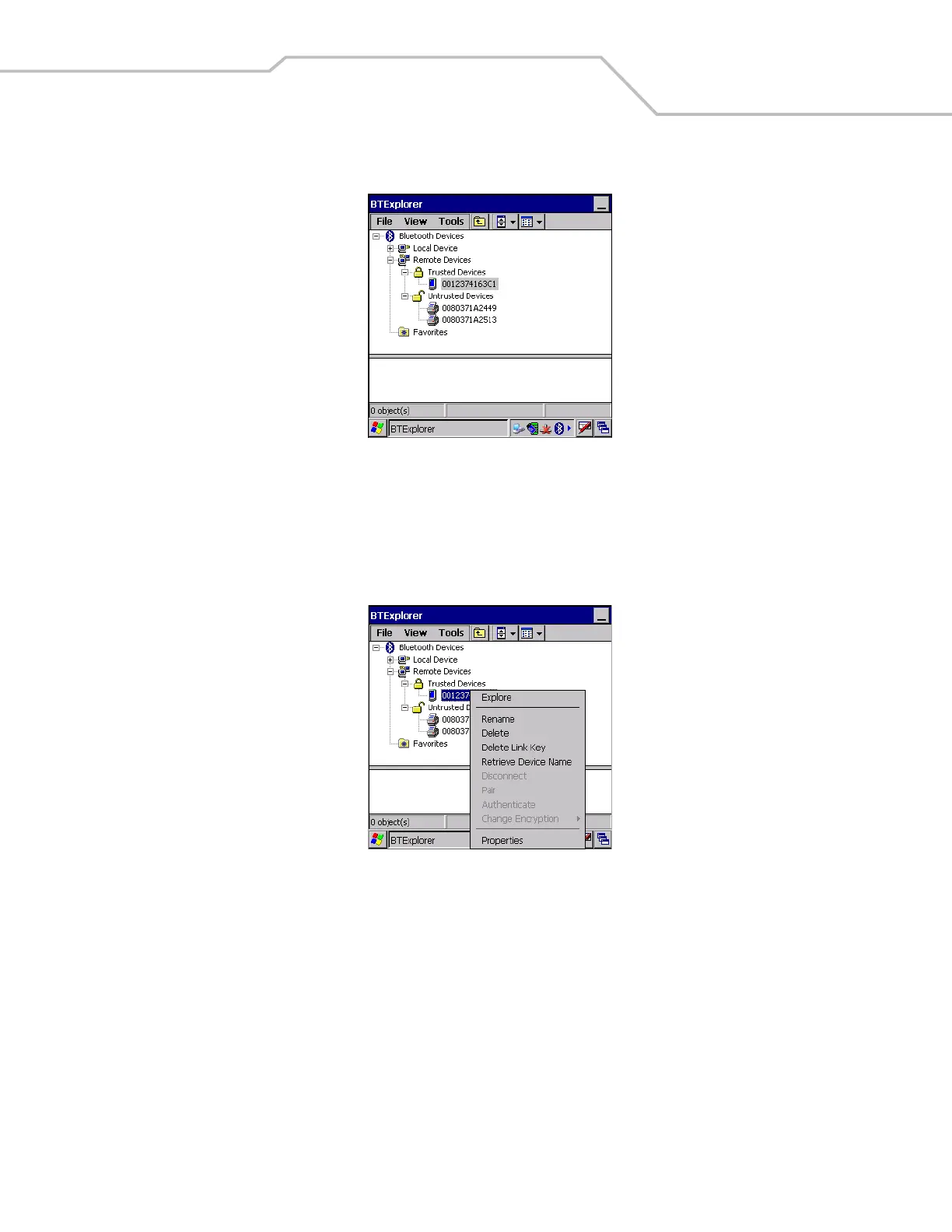
7. The devices are successfully paired. The device name moves to the Trusted Devices folder.
Figure 3-13. Bonded (Paired) Discovered Device
Renaming a Bonded Device
If it is necessary to rename a bonded device, it can be done from the BTExplorer window.
1. Launch BTExplorer.
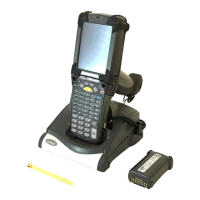
2. Tap and hold the device to rename and select Rename in the pop-up menu.
Figure 3-14. Rename Device Selection Dialog Box


 To Next Page