Portbase User Guide
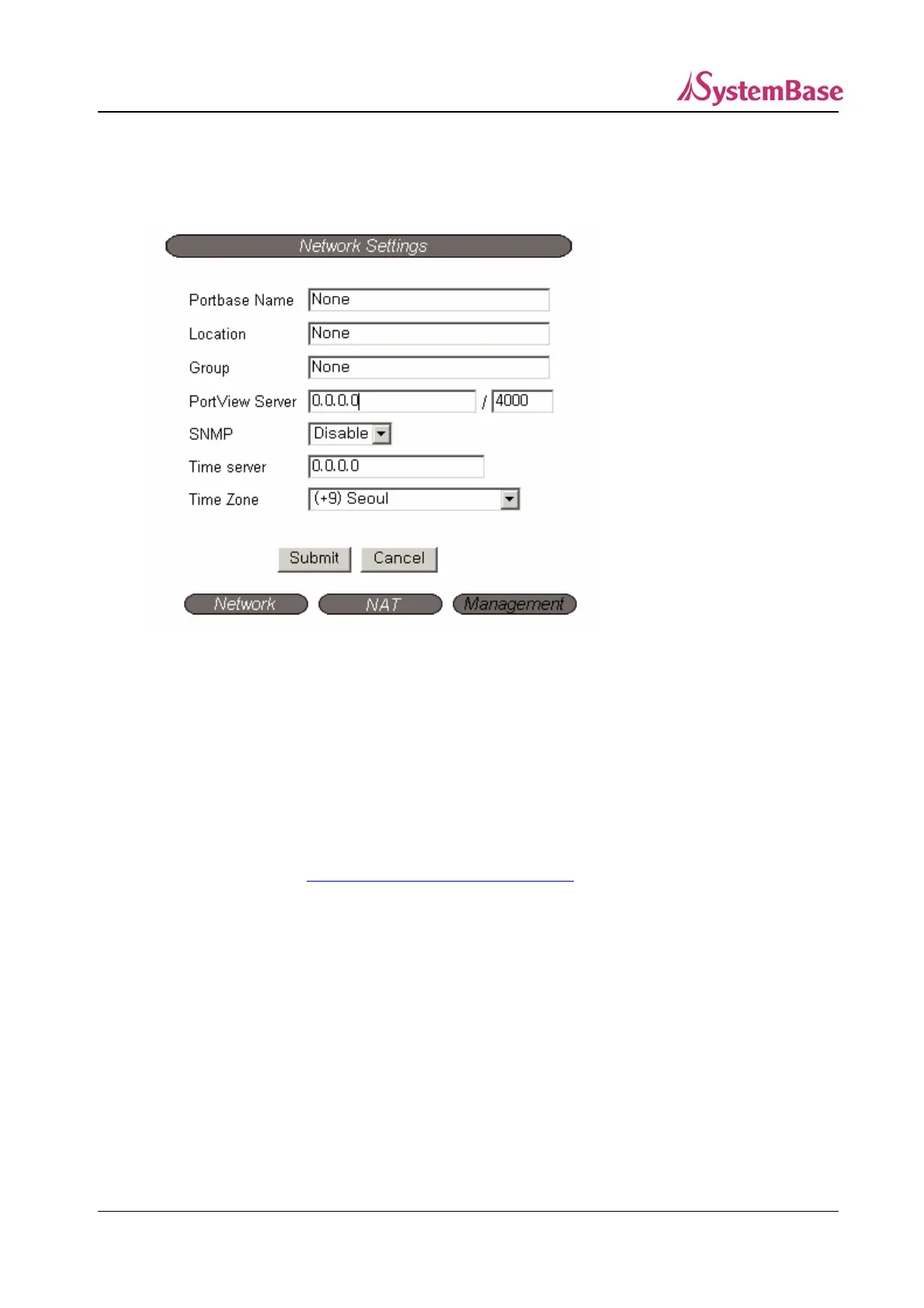
③ Management
If multiple devices are installed and managed together, integration in management is necessary.
Also, it is the case the when the device reports an erroneous status, figuring out the reason for the
failure becomes a time-consuming job.
To solve this inefficiency and provide better solution, Portbase provides a Network Management
System software, Portview.
Portview provides integrated Portbase management, status information for each device, and the Data
Scope feature. (Refer to
Chapter 5. Management with Portview for more information.)
Portbase Name (Default: None)
Set the name for Portbase. 32 Characters at maximum. (Default: None)
Location (Default: None)
Set the location name for Portbase. 32 Characters at maximum. (Default: None)
Group (Default: None)
Set the group name for Portbase. 32 Characters at maximum. (Default: None)
30



 To Next Page