Portbase User Guide
12) Warning on the Windows compatibility test might be displayed. Just click “Continue” for installation.
Your system will not be affected by any means.
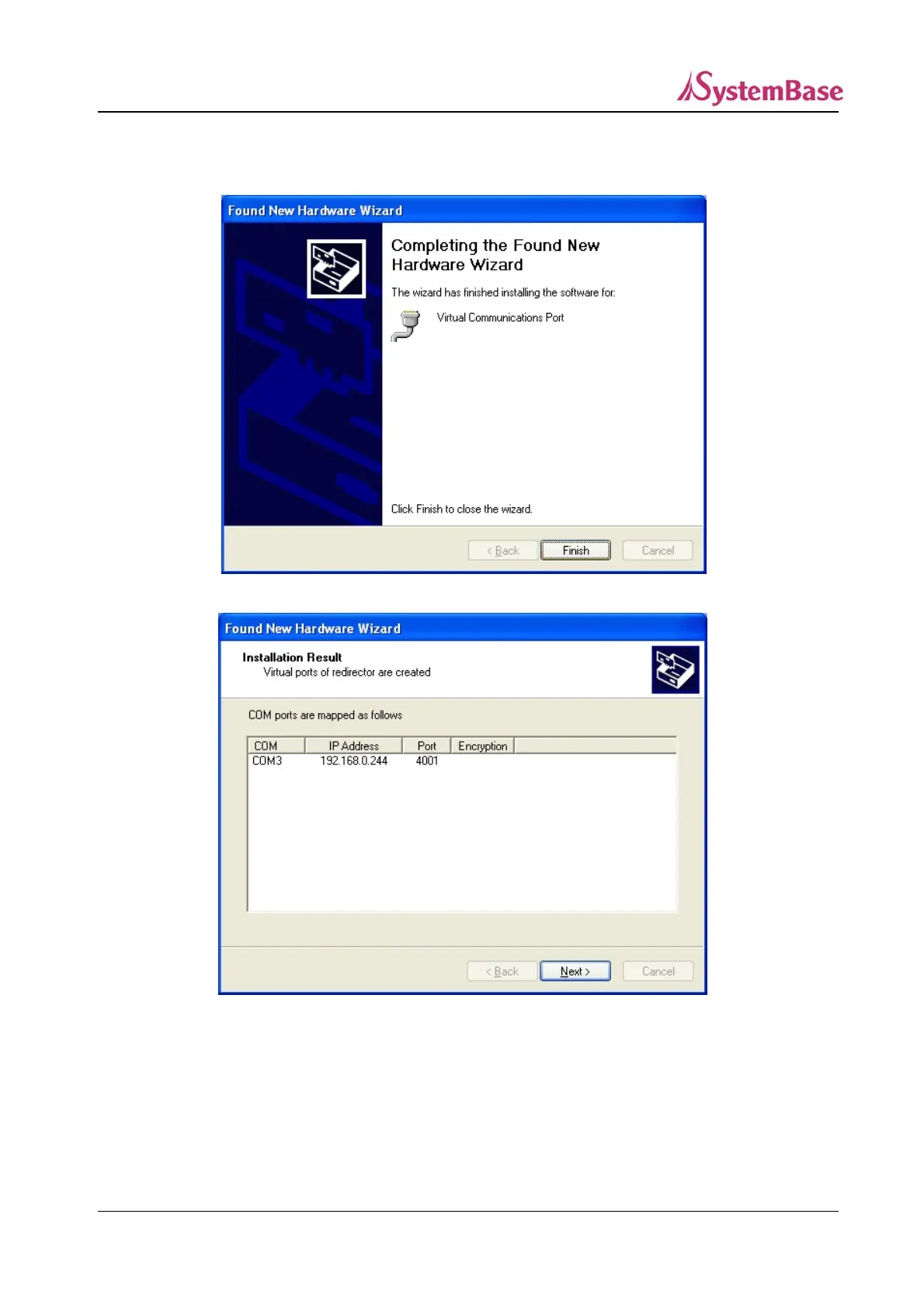
13) Click “Finish” to complete port installation, and this process will repeat until all ports are installed.
14) After the installation of the last port, the Installation Result window is displayed.
Installation process is completed when you click “Next”.
The Installation Result window shows the list of installed COM ports and the IP address and port
number of Portbase.
65



 To Next Page