Portbase User Guide
J If you want to install additional COM ports later on, you need to run the installation wizard again.
Run ‘Start’ ‘All Programs’ ‘SystemBase Portbase’ ‘COM Port Redirector’ ‘Add or
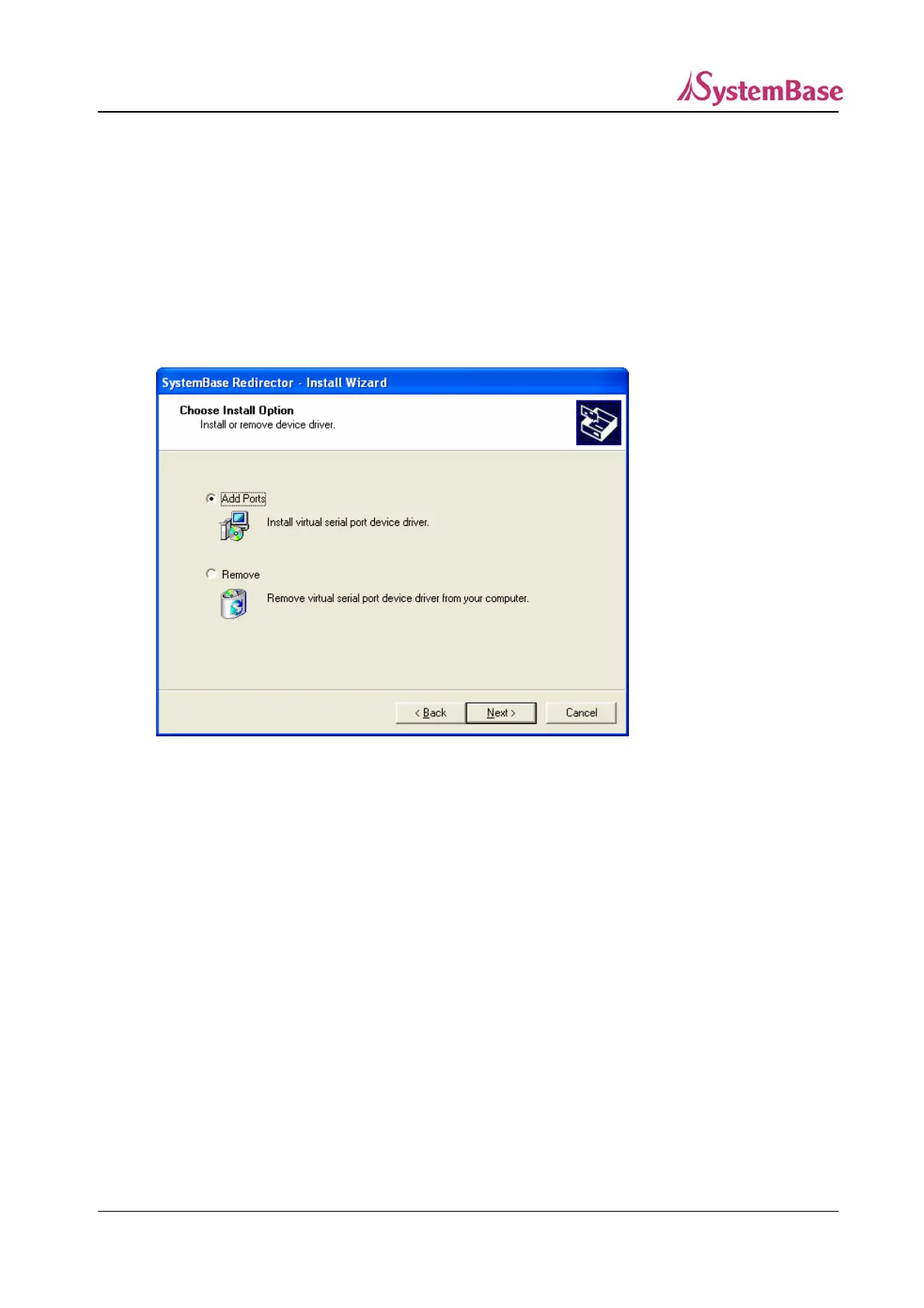
Remove Ports’. When the wizard detects existing ports installed, the following screen shows up.
J When you select “Remove” option, all virtual ports will be removed. Be careful when selecting this
option.
Choose “Add Ports” if you want to install additional COM ports.
The remaining steps are identical to installing new ports.
66



 To Next Page