Portbase User Guide
② Statistics
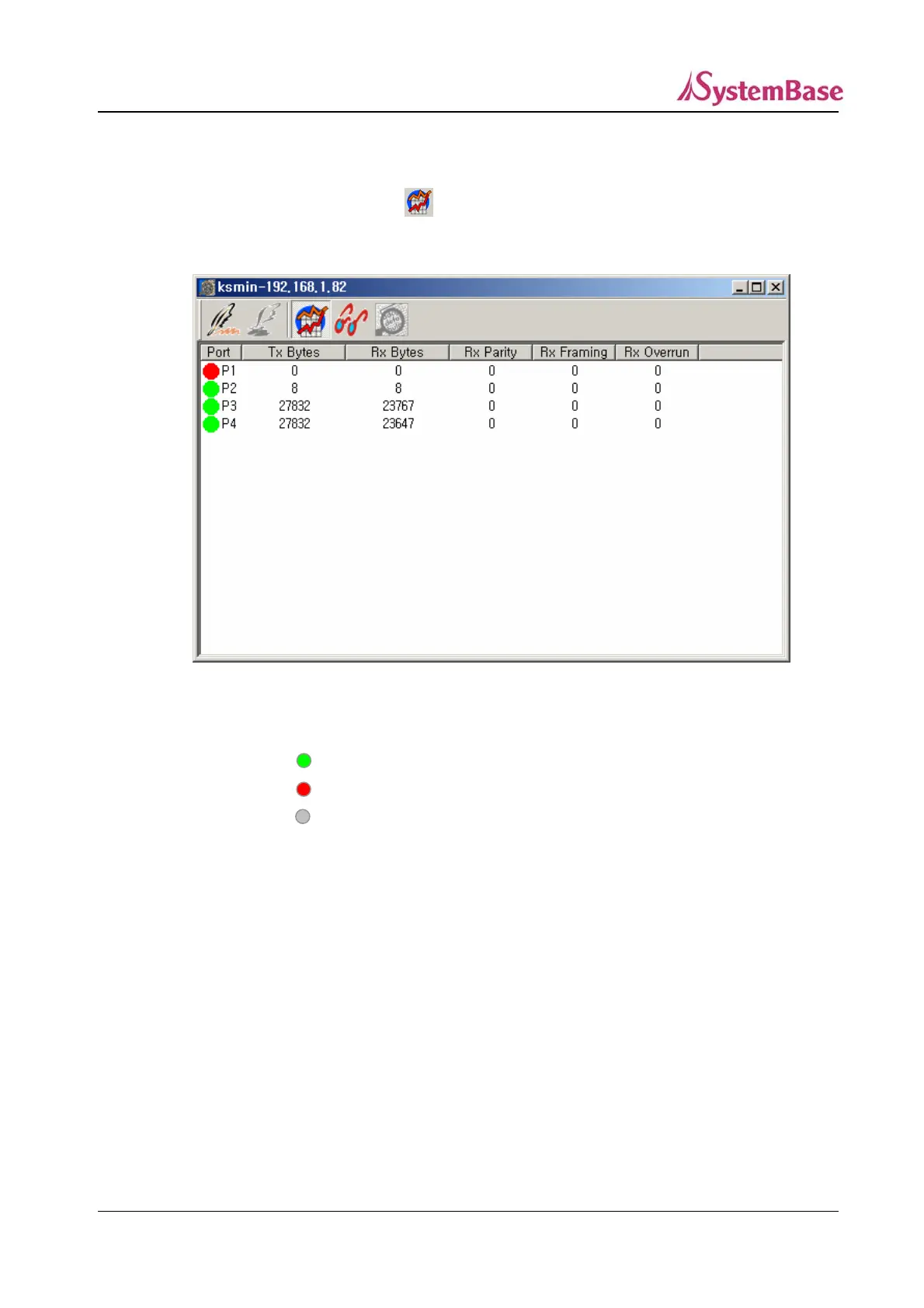
You can display input/.output data si nd errors of all ports of the equipment being monitored.
To see this
zes a
screen, click on from the toolbar.
e in
The Ststistics screen is the same as th itial screen.
<Statistics Screen>
Port : Displays port status.
ctive (Green)
t active (Red)
TxBytes : se port
: The port is a
: The port is available but no
: The port is unavailable. (Gray)
The number of output data bytes through the Portba
RxBytes : The number of input data bytes through the Portbase port
Rx Parity : The number of parity errors during data reading
Rx Framing : The number of framing errors during data reading
Rx Overrun : The number of overrun errors during data reading
87



 To Next Page