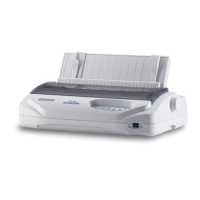
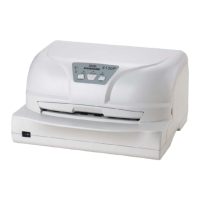
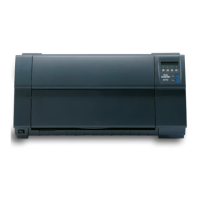
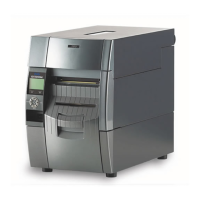
Tally Dascom DT-210/230 User Guide V1.3
25
2.7 Installing Optional Kits
Interface Cover
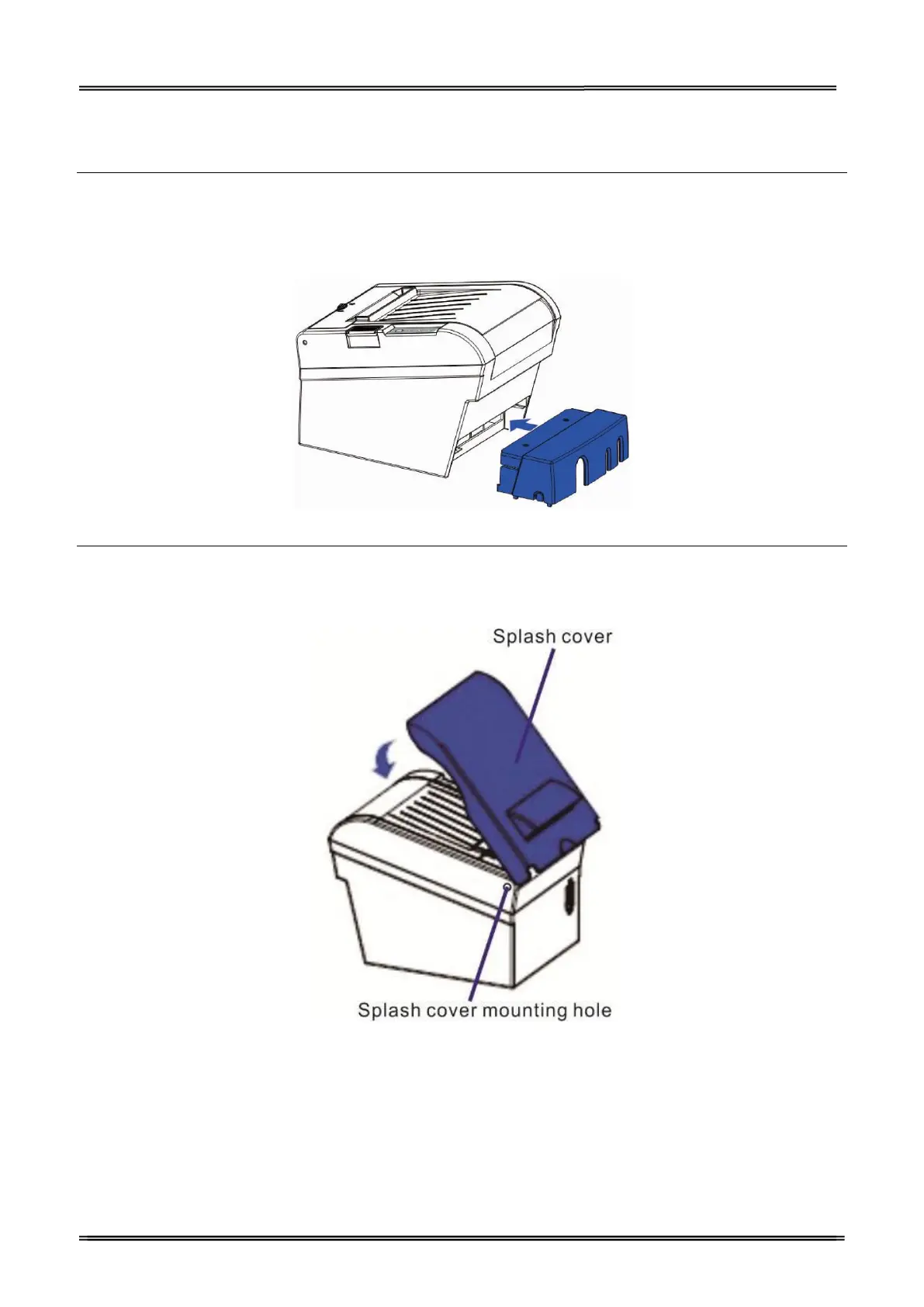
Adjust the relative positions between interface cover and printer as shown below, and push the
interface cover as arrow shows below.
Splash Cover (optional kit)
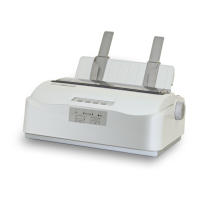
Slip the fixed hooks on both sides of splash cover into the mounting hole on the printer, and close the
splash cover.


 To Next Page