EasyManua.ls Logo

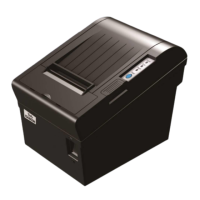
Tally Dascom DT-210 - For Parallel, USB2.0 and Ethernet Interface

Tally Dascom DT-210
111 pages
Print Icon
To Next Page IconTo Next Page
To Previous Page IconTo Previous Page
Loading...
Tally Dascom DT-210/230 User Guide V1.3
58
2-4
BUSY Condition
Receive Buffer Full
Offline or Receive
Buffer Full
OFF
2-5
Print Density
See “Selecting the Print Density” on page 48.
OFF
2-6
OFF
2-7
OFF
2-8
Near-End Sensor Status
Disable
Enable
OFF
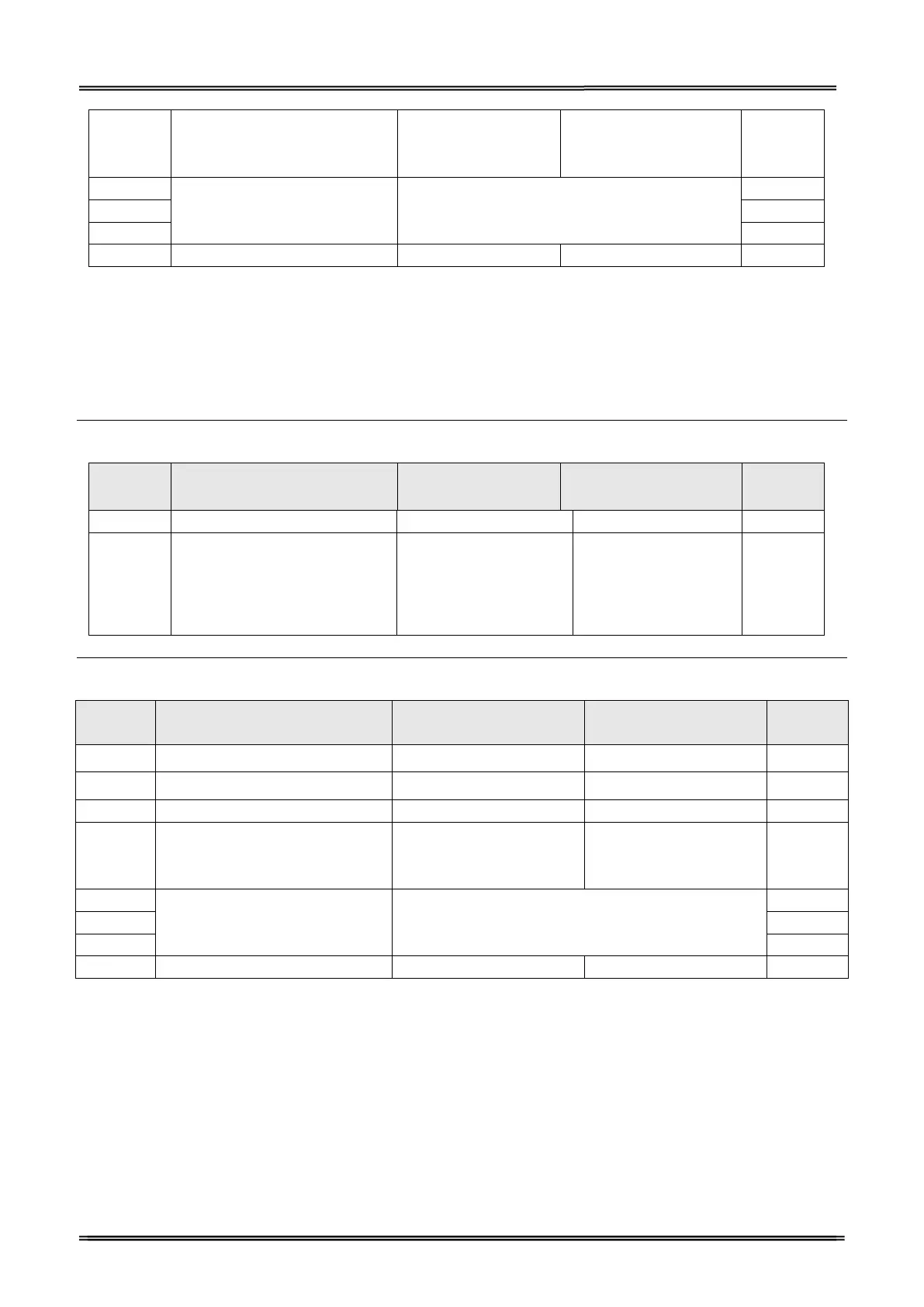
4.1.2 For Parallel, USB2.0 and Ethernet Interface
When using the serial interface, it is not necessary to change the DIP switch setting but their function
changes. For the details, see “For Serial Interface (RS-232C)” on page 47 .
DIP Switches Bank 1
SW
Function
ON
OFF
Initial
setting
1-1
Auto Line Feed at CR
Enable
Disable
OFF
1-2
~
1-8
Reserved
-
-
OFF
DIP Switches Bank 2
SW
Function
ON
OFF
Initial
Setting
2-1
Reserved
-
-
OFF
2-2
Internal bell control
Internal bell disable
Internal bell enable
OFF
2-3
Auto Cutter
Disable
Enable
OFF
2-4
BUSY Condition
Receive Buffer Full
Offline or Receive Buffer
Enable
OFF
2-5
Print Density
See “Selecting the Print Density” on page 53.

OFF
2-6
OFF
2-7
OFF
2-8
Near-End Sensor Status
Disable
Enable
OFF

Table of Contents