Interfaces User guide
168
Physical printer port in
Ethernet with TCP/IP
When using your printer in a local network with Ethernet connections
and the TCP/IP protocol, you have to assign several address infor-
mations.
Address information for the Ethernet port can only be made
available by your network administrator, who has the neces-
sary rights to install printers on the network and/or make any
changes.
` The assumed address space corresponds to the TCP/IP adress,
class C, 192.168.1.xxx.
` The subnet mask to be used is 255.255.255.0
` The address of the router, or gateway, is 0.0.0.0, if not available.
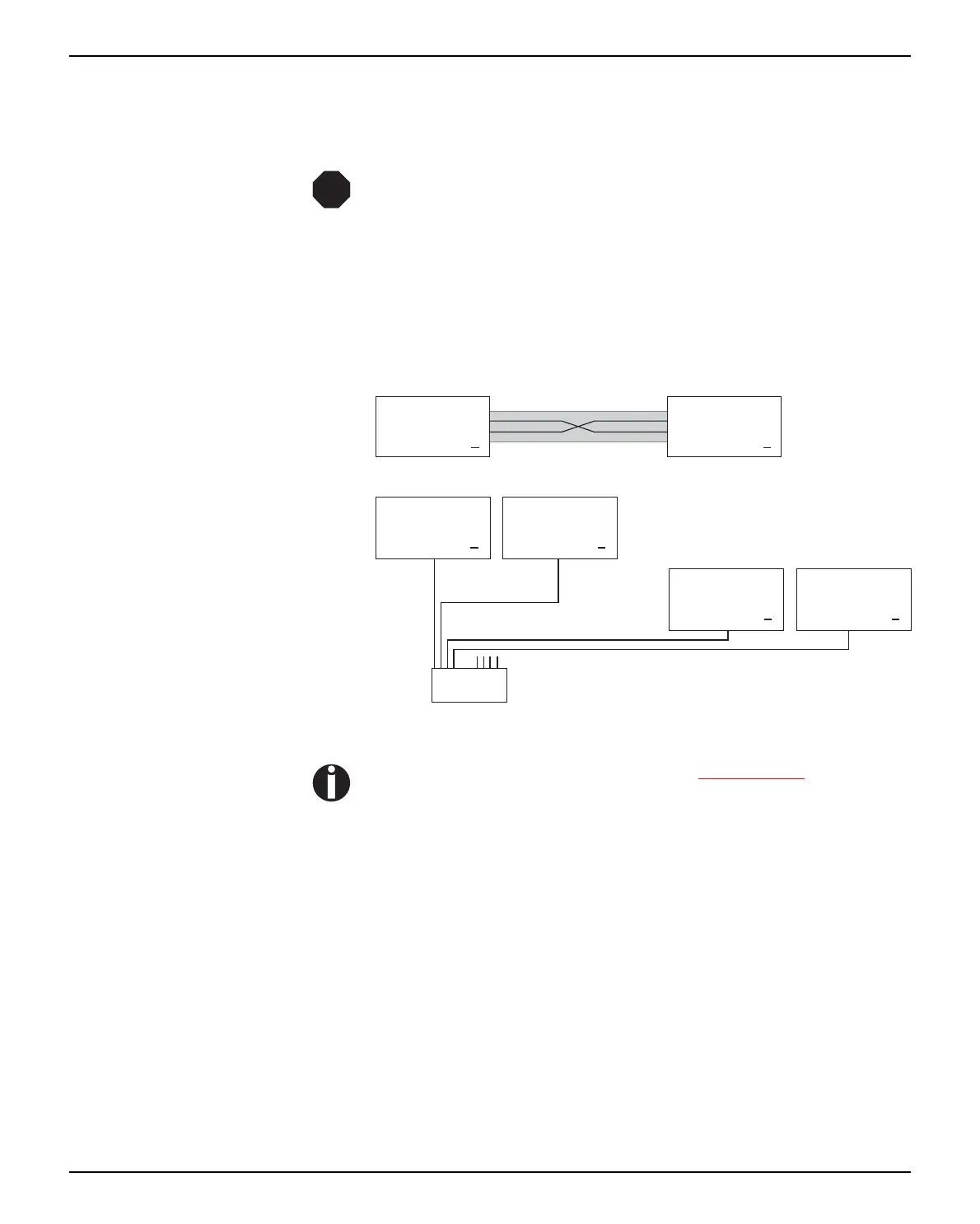
Example of a printer connected
to a computer in an Ethernet
Example of several devices in an
Ethernet
You will find more information on our internet page
.
STOP
Caution: !Twisted-pair cable required
Computer 1
IP: 192.168.1.1
Printer 1
IP: 192.168.1.2
HUB
4-fold or 8-fold
...
Printer 1
IP: 192.168.1.3
Printer 2
IP: 192.168.1.4
...
Computer 2
IP: 192.168.1.2
Computer 1
IP: 192.168.1.1



 To Next Page