User guide Paper handling
41
Single sheets
Some printer models are designed for
fanfold paper operation only and the-
refore do not feature a single sheet
feeder. The front cover can therefore
not be opened on these models.
Make sure that the printer is set to single sheet
mode. If necessary, change the paper type, see
Changing the paper type
(page 37).
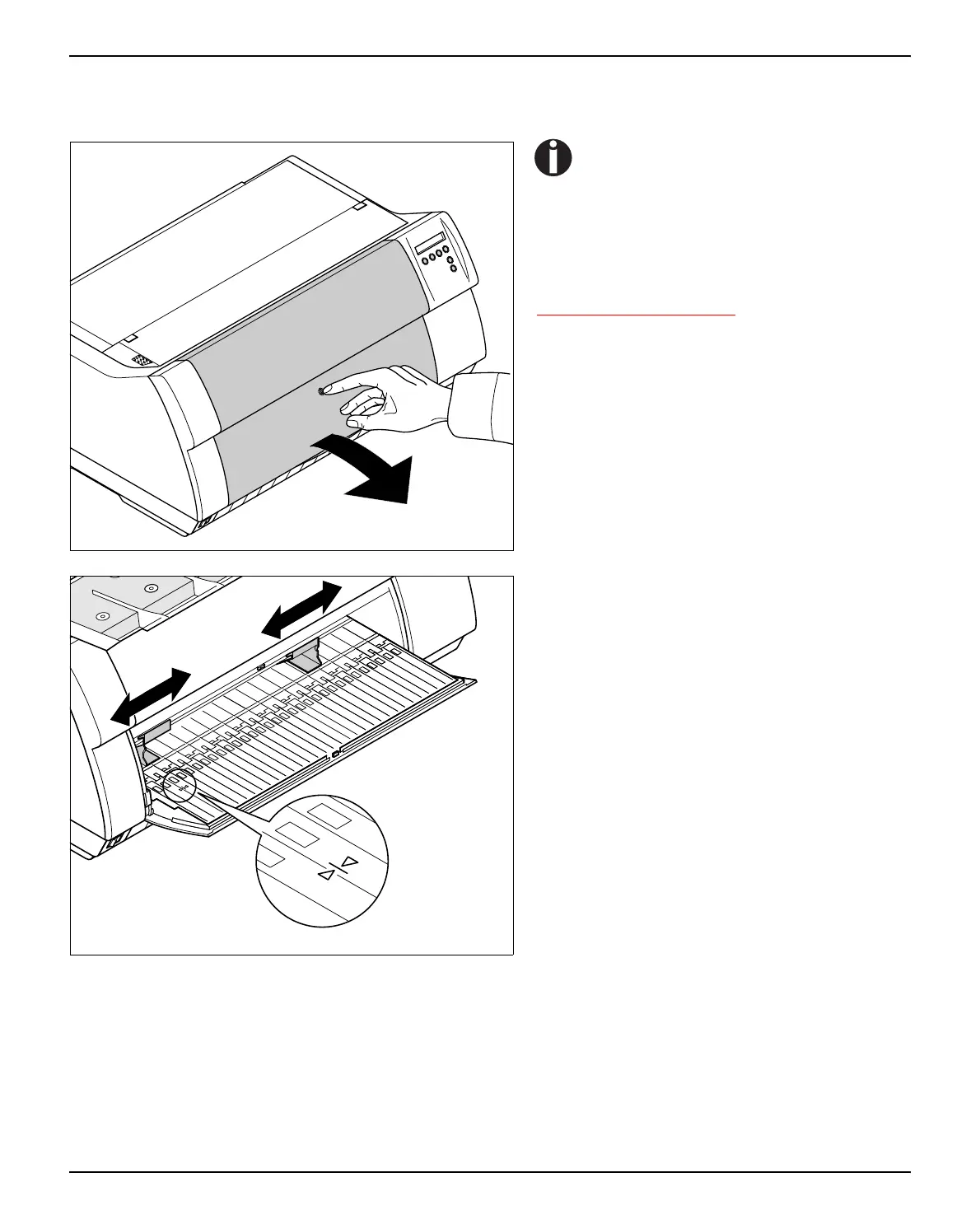
Press the latch at the middle of the front cover.
The single sheet input tray opens downwards.
Align the left paper guide with the mark on the
left of the single sheet input tray marking the
first printing position.
Adjust the right paper guide to the width of the
paper used.



 To Next Page