User guide The Menu
69
Settings for interfaces (I/O) In this parameter group, you can choose various settings for the
printer interfaces. See also Interfaces
(page 165).
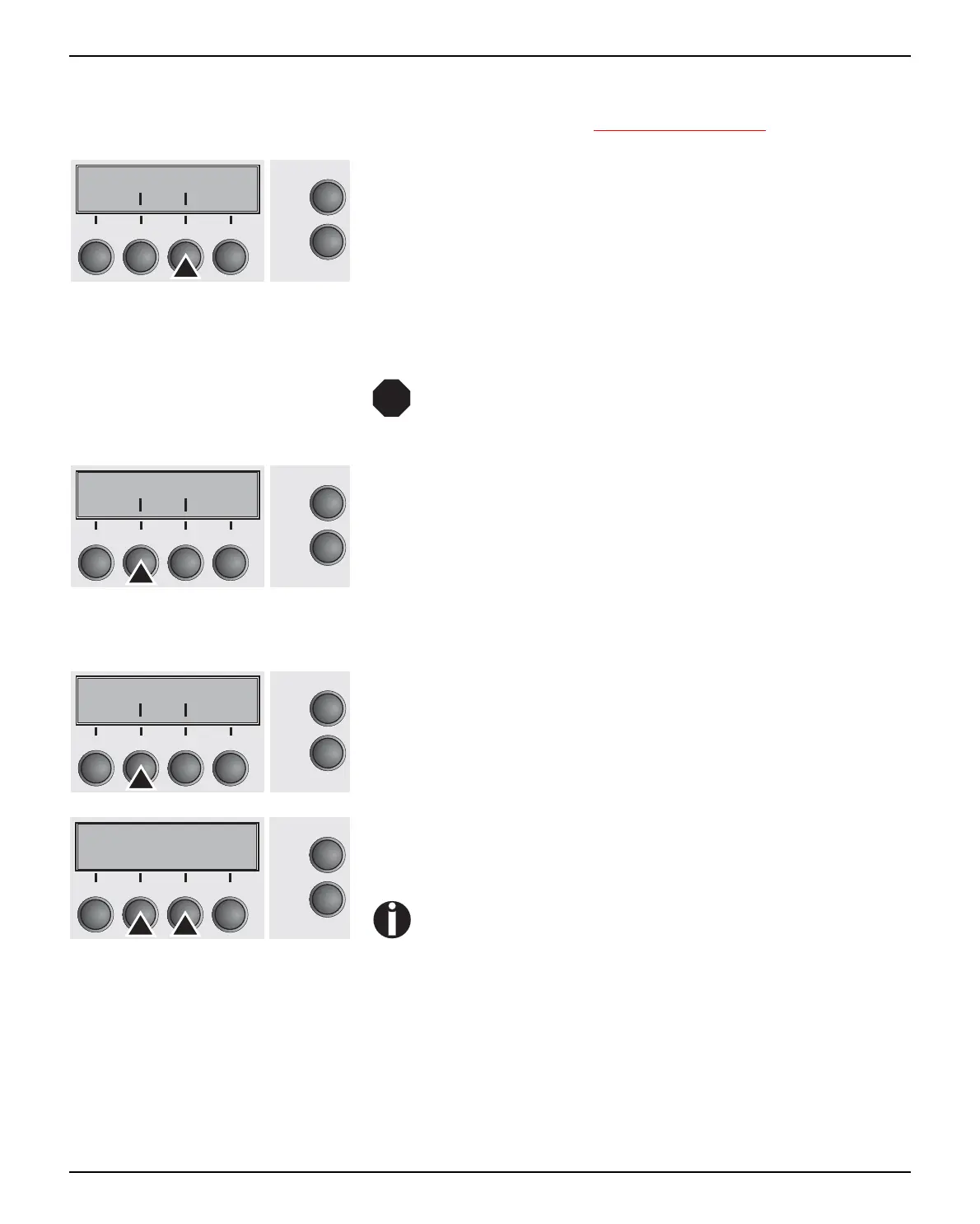
Press I/O (3) key.
Serial interface (Serial) This parameter group only is valid, if an optional serial interface
module is installed.
To ensure the proper functioning of serial data trans-
fers, the serial settings of the printer and computer
(host) must coincide.
Press Serial (2) key.
Data transmssion rate (Baud) Selects the data transmission rate (baud rate) (baud = bit per sec-
ond).
Press Baud (2) key.
Use the < (2) or > (3) key to select the desired setting.
Setting Options: 600, 1200, 2400, 4800, 9600, 19200
Default Setting: 9600
Printer and computer must have the same baud rate.
Confirm the setting by pressing the Set key (1).
Bidir I/O
Online
Setup
21
3
4
Back Next
STOP
Serial Interf.
Online
Setup
21
3
4
Back Next
Baud Format
Online
Setup
21
3
4
Back Next
Baud= 9600 *
Online
Setup
Set < > Exit
21
3
4



 To Next Page