Inserting the ribbon cassette User guide
20
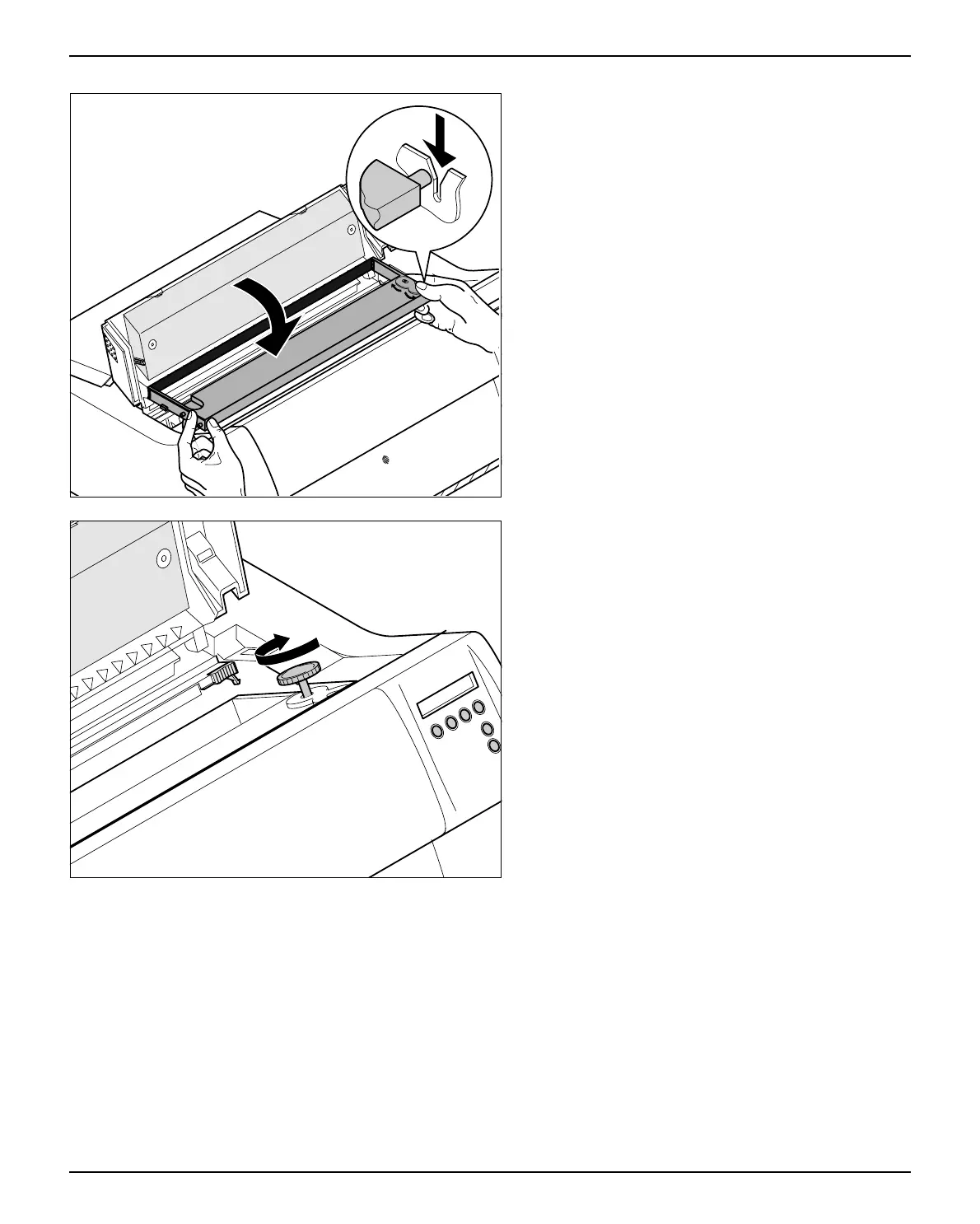
Slightly tilt the ribbon cassette forwards and thread
in the ribbon between the coloured insertion ton-
gue and the ribbon support (transparent plastic
plate).
Align and insert the cassette into the guides on the
left and right, then press down until it clicks into
place.
Insert the coloured tension knob into one of the
two locations.
Turn the tension knob to take up slack in the rib-
bon until it is seated correctly at the bottom in the
ribbon support.



 To Next Page