12 TASCAM DA-98HR
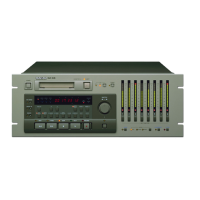
2 – Front and rear panels
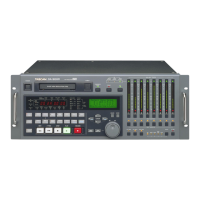
2.1 Front Panel controls
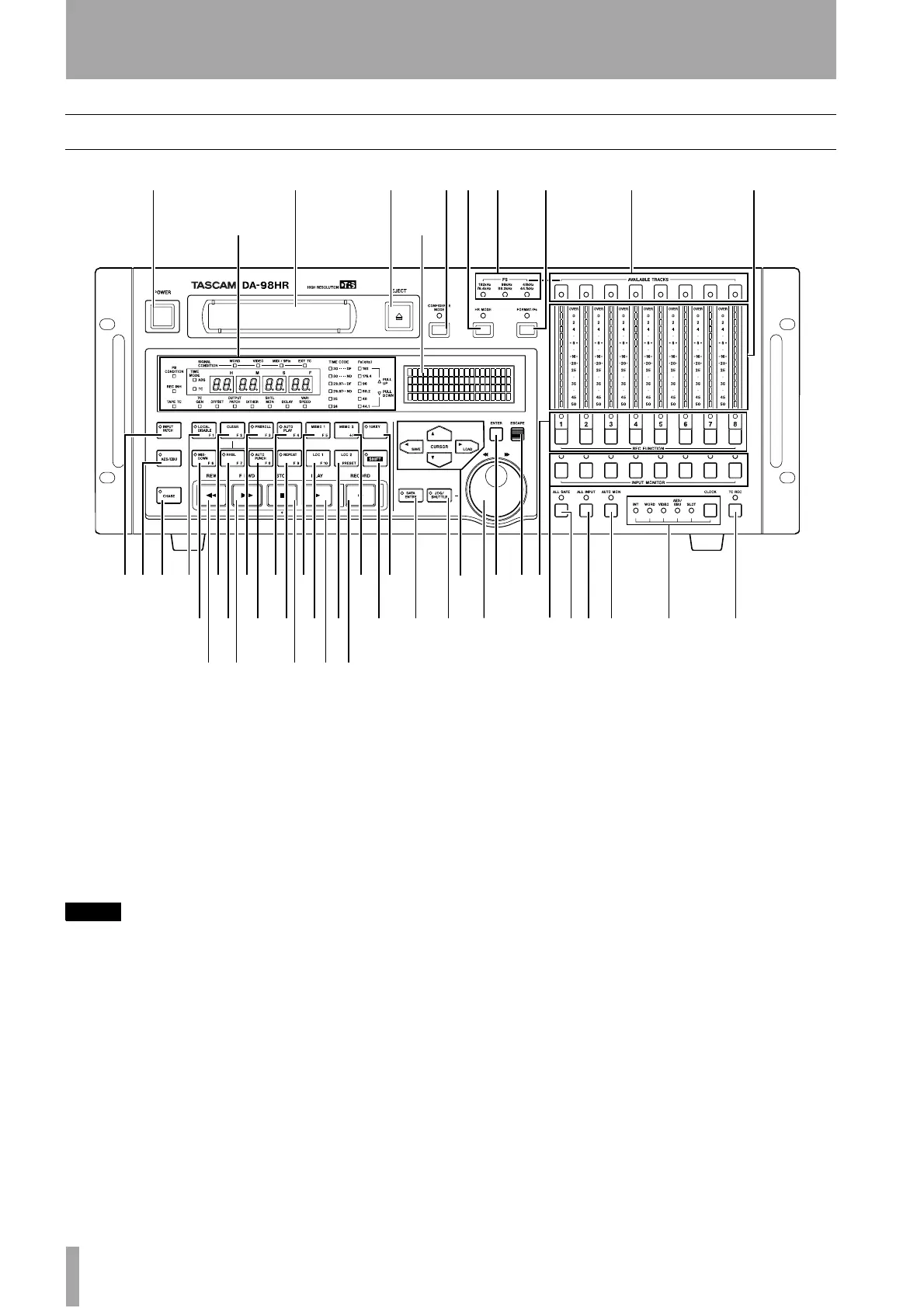
1 Power switch
Turns the power to the DA-98HR on and off. When
the DA-98HR is turned off, settings will be retained
in memory (12.3, “Memory backup”).
2 Tape loading slot
Only use Hi8 ME or MP tapes as specified in 1.5,
“Recommended tapes”. The DA-98HR will automat-
ically eject all other tapes.
NOTE
Do not use a tape which has been used for recording
video. Always use either new tapes or tapes which have
been used in a DTRS recorder.
3 EJECT key
Ejects any loaded cassette. A cassette can only be
ejected when the transport is stopped.
4 CONFIDENCE MODE key and
indicator
The DA-98HR features a confidence replay mode
which allows off-tape monitoring. This key and indi-
cator allow selection and viewing of the status of this
monitoring mode.
For a full explanation of confidence monitoring, see
5.3, “Confidence mode”.
5 Fs indicators
These indicators (192kHz/176.4kHz, 96kHz/88.2kHz
and 48kHz/44.1kHz) light to show what sampling
frequencies are currently being used for recording.
6 HR MODE key and indicator
This key controls whether a tape will be formatted to
record at 24-bit high resolution or 16-bit resolution.
The indicator shows the status of the recording reso-
lution while formatting, or if a previously-formatted
tape has been loaded.
7 FORMAT/Fs key and indicator
The FORMAT indicator shows the tape formatting
status. The FORMAT/Fs key controls the formatting
of tapes and allows selection of the sampling fre-
quencies to be used for recording (see 6.2, “Format-
ting a tape” for full details).
123
B A
46 5 7 8 9
CDEFGHIJ PQ Y Zae
K
TU V WX
LMNOR S b c fghi j kd


 To Next Page