9 – Operations related to timecode–Video resolution
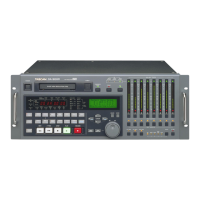
68 TASCAM DA-98HR
9.7.1 Video reference setting
When syncing the DA-98HR to a video frame source,
it may be useful to specify the frame rate of the video
source, in order to assist the synchronization process.
To specify this explicitly:
1 Go to menu group 3, move the cursor to
VideoRef, and press ENTER:
2 Use the § and ¶ keys to set this value to either
Auto (the default), 30F, 29.97F, 25F
or
24F.
The
Auto option automatically detects and
synchronizes to the incoming video frame rate.
The other options force synchronization to the
specified frame rate.
Video Reference
Auto


 To Next Page