4 File name
The name that is automatically given to the
file being recorded is shown
5 Auto record function status
When the auto record function is ON, the
icon appears.
Menu structure
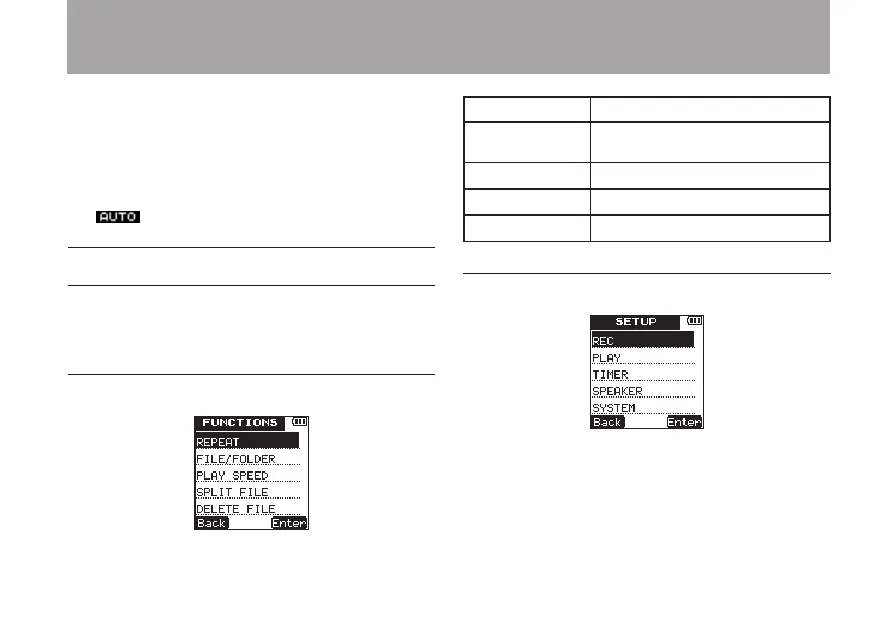
Press the FUNCTION key to open the
FUNCTION
menu, and press the SETUP key to open the
SETUP
menu. Their menu items are as follows.
FUNCTION menu
REPEAT
Enable A-B repeat playback.
FILE/FOLDER
Work with les and folders on the
card.
PLAY
SPEED
Set the playback speed.
SPLIT
FILE
Divide les.
DELETE
FILE
Delete les.
SETUP menu
2 – Names and functions of parts



 To Next Page