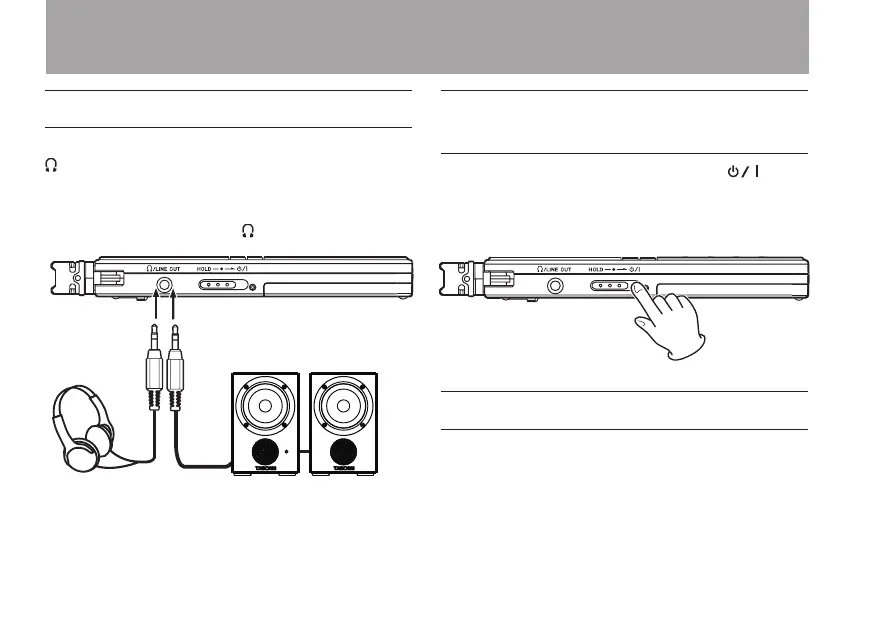
Connecting monitoring equipment
To monitor with headphones, connect them to the
/LINE OUT jack.
To monitor with an external monitoring system
(powered monitor speakers or an amplier and
speakers), connect it to the /LINE OUT jack.
Headphones
Powered monitor speakers or
amplifier and speakers
Preventing accidental operation
with the hold function
To prevent accidental operation, set the /
HOLD switch to HOLD to activate the hold
function. When hold is activated, all keys are
disabled.
Using the built-in microphone
This unit’s built-in microphones can be adjusted,
allowing the angles of the microphones to be
changed. By changing the position of the built-
in stereo microphone according to recording
conditions, the unit can be set to record in wide
3 – Preparations



 To Next Page