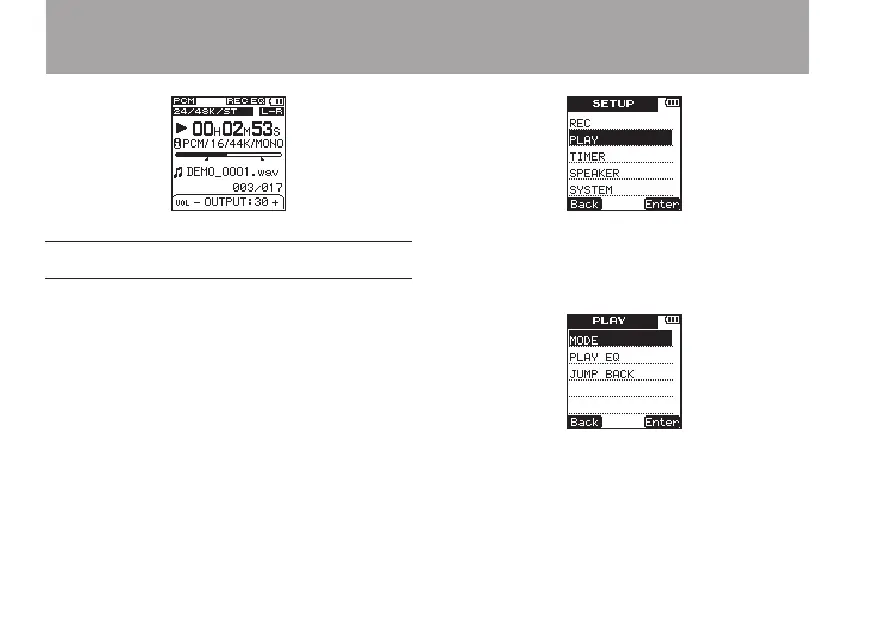
Set the playback and repeat areas
Use the
MODE
setting in the
PLAY
menu to set the
playback area.
When the last le in the playback area is played,
the unit automatically continues playing from the
beginning of the rst le in the playback area.
1 Press the SETUP key to open the
SETUP
menu screen.
2 Use the +/– keys to select the
PLAY
menu
item.
3 Press the
¯
(
Enter
) key to open the
PLAY
menu screen.
4 Use the +/– keys to select the
MODE
item.
5 Press the
¯
(
Enter
) key to open the
MODE
setting screen.
6 – Playback



 To Next Page