Adding files to the Playlist
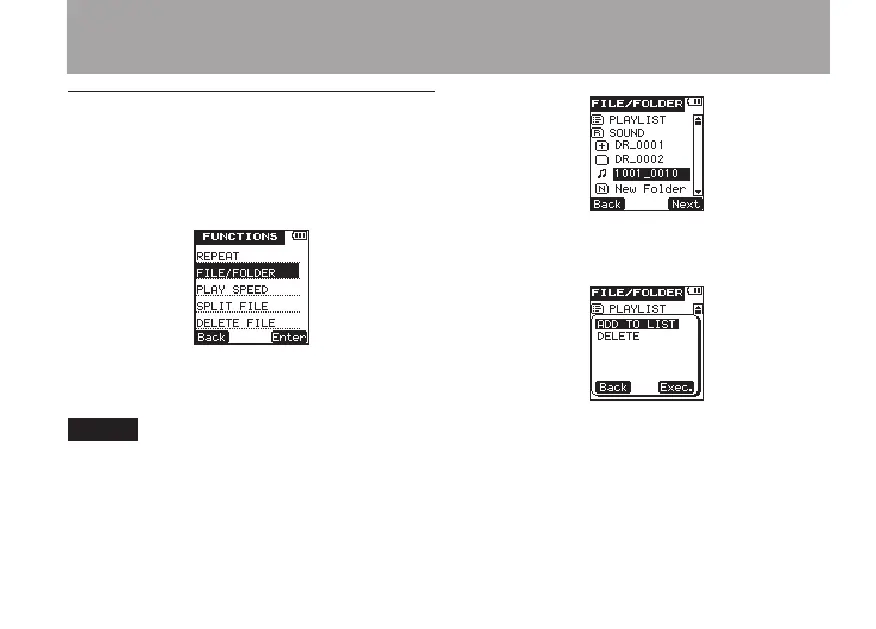
1 Press the FUNCTION key to open the
FUNC-
TION
menu screen.
2 Use the +/– keys to select the
FOLDER/FILE
menu item.
3 Press the
¯
(
Enter
) key to open the
FILE/FOLDER
screen.
NOTE
For details about FILE/FOLDER screen operations, see
“5 – File and folder operations (FILE/FOLDER screen)”
on page 63.
4 Use the +/– keys to select a file to add to the
Playlist.
5 Press the
¯
(
Next
) key to open the
following pop-up menu.
6 Use the +/– keys to select
ADD
TO
LIST
.
7 Press the
¯
(
Exec.
) key to add the
selected file to the Playlist, and close the pop-
up menu.
6 – Playback



 To Next Page