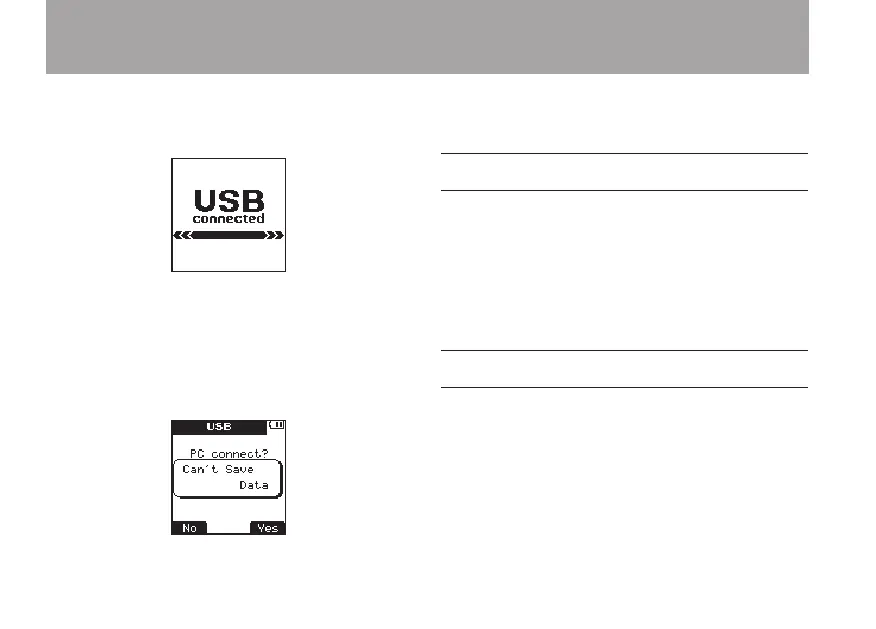
Press the ¯ (
Yes
) key.
“
USB connected
” appears on the display.
Confirm that the microSD card is inserted into
the unit correctly.
If a USB connection is made when a microSD
card is not inserted correctly, a “
Can't
Save
Data
” pop-up message appears.
The unit appears on the computer as an external
drive named “
DR-08
”.
Copying files to a computer
1 Click the drive named “
DR-08
” on the
computer display to show the “
SOUND
” and
“
UTILTY
” folders inside it.
2 Open the “
SOUND
” folder and drag-and-
drop the files that you want to copy to any
location on the computer.
Copying files from a computer
1 Click the drive named “
DR-08
” on the
computer display to show the “
SOUND
” and
“
UTILTY
” folders inside it.
2 Drag-and-drop audio files from the
computer to the “
SOUND
” folder.
7 – Connecting with a Computer



 To Next Page