stereo for music or oriented with a more focused
eld for interviews, for example.
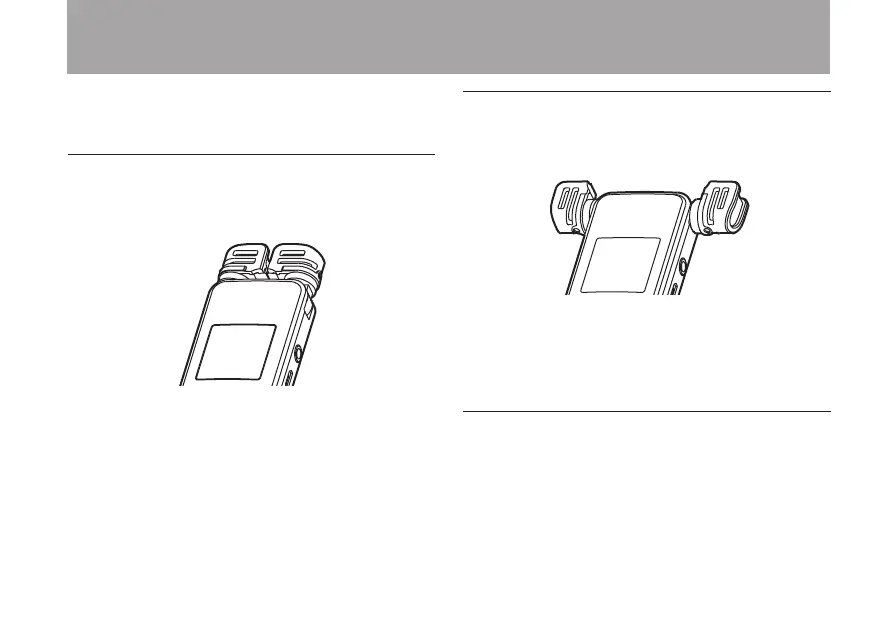
Setting the mics to capture localized
sound
Close the stereo microphone.
Set this way, recording is possible in a relatively
narrow eld and is useful for interviews and
similar situations.
Setting the mics to record a wide stereo
sound
Spread the stereo microphone to the left and right.
Set this way, the two microphones are spread
widely left and right, and recording is possible
with a strong stereo eld that is good for music,
for example.
Setting the microphone to record nearby
sounds
Spread the two microphones to the left and to the
right and then rotate them.
3 – Preparations



 To Next Page