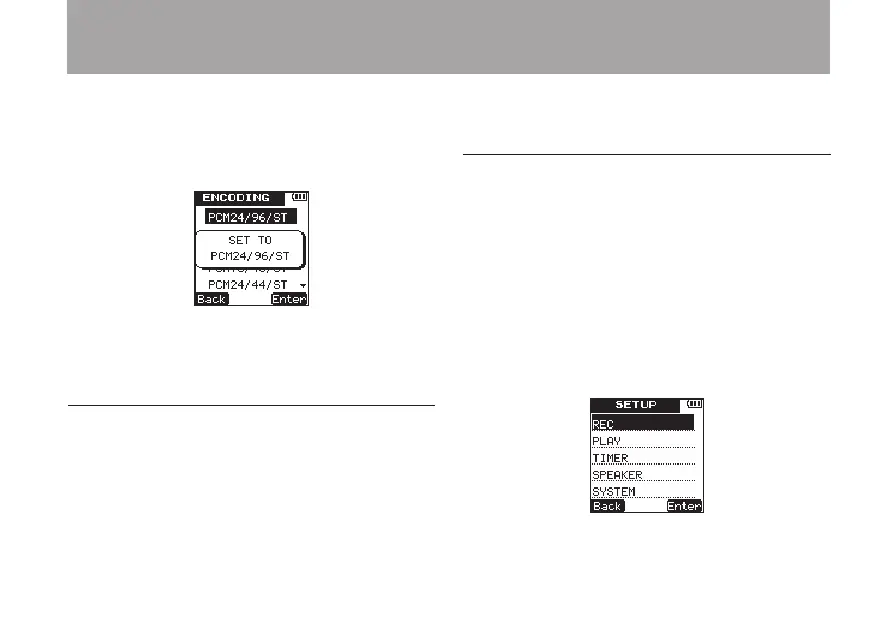
7 Press the
¯
(
Enter
) key to confirm the
setting and show a pop-up with the setting
briefly, and then return to the
ENCODING
menu screen.
8 When you have finished making the setting,
press the HOME key to return to the Home
Screen.
Setting the built-in stereo microphone for
input
The input source for this unit can be set to the
built-in stereo microphone, external microphone
input or external device input. When nothing is
connected to the MIC/EXT. IN jack on the right
side panel of the unit, the built-in microphone is
set as the input.
Setting external input
When an external microphone, the headphone
jack of a portable CD player or another external
audio device is connected to the MIC/EXT. IN jack,
the external input is set as the input source. Make
the following setting according to the type of
connected device.
1 Press the SETUP key to open the
SETUP
menu screen.
2 Use the +/– keys to select the
REC
menu item.
4 – Recording



 To Next Page