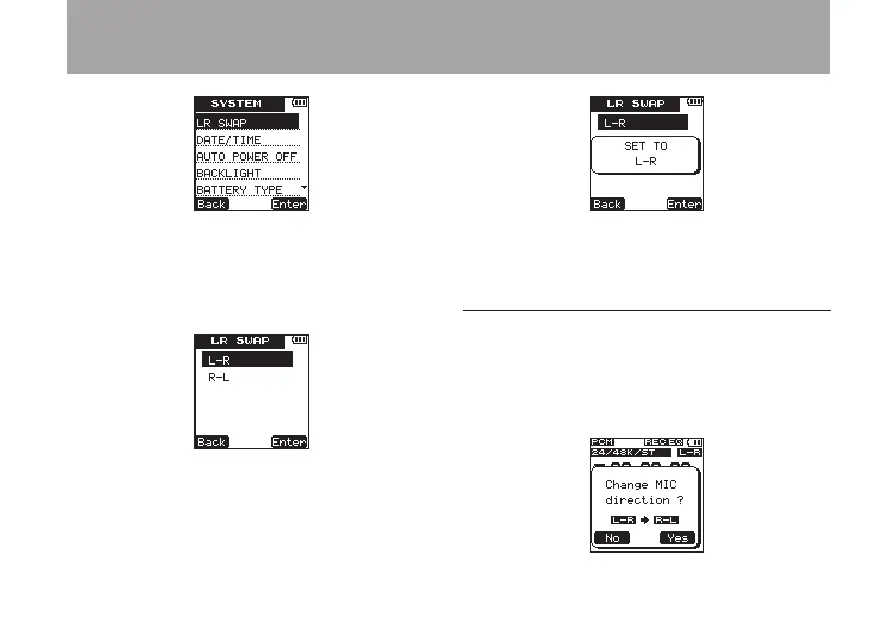
5 Press the ¯ (
Enter
) key to open the
LR
SWAP
setting screen.
6 Use the + and – keys to set the item to
L-R
or
R-L
according to the mic position.
7 Press the ¯ (
Enter
) to confirm the setting
and temporarily show the setting, and then
return to the
LR
SWAP
setting screen.
8 When you have finished making the setting,
press the HOME to return to the Home
Screen.
Microphone position detection
The following pop-up message appears
automatically whenever the left microphone is
opened or closed. If only the right microphone is
opened or closed, it does not appear.
3 – Preparations



 To Next Page