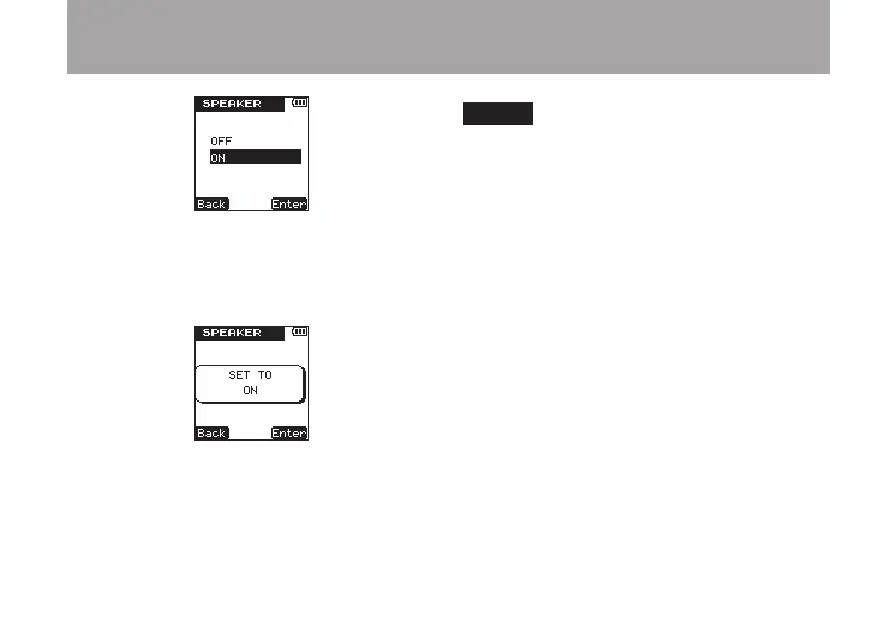
5 Press the ¯ (
Enter
) key to confirm the
setting and the following pop-up message
appears on the display briefly, and then the
SPEAKER
setting screen is shown again.
6 When you have finished making the setting,
press the HOME key to return to the Home
Screen.
NOTE
Even if the SPEAKER setting is ON, no sound is
output from the speaker when recording or in
recording standby, or when headphones or a moni-
toring system is connected.
3 – Preparations



 To Next Page