Also, if you enable MAVLink for the capable output there will be an option to send RC signals over the
MAVLink connection. You can find this setting under “RX Diversity” menu called “MAVLink PPM”. If this
setting is enabled there is no PPM, SBUS connection required anymore between TBS CROSSFIRE and the
FC. Note this MAVLink message (RC_CHANNELS_OVERRIDE) will only send channel 1 to 8 to the FC even if
TBS CROSSFIRE is set to 12 channels.
The TBS CROSSFIRE receivers has a build in MAVLink engine which forwards messages like GPS, attitude,
current sensor, flight mode, time, air speed and more to the BST bus. In case you use the TBS CORE PRO all
required messages will be forwarded. The engine also adapt the MAVLink bandwidth to make it perfectly
fit the RF link bandwidth. This gives you the best performance for both OSD on the TBS CORE PRO side and
on the telemetry over TBS CROSSFIRE in terms of latency and update rate.
If you run the system with a TBS CORE PRO you can decide if you want to run the digital TBS current
sensors or use the current sensor information from the FC for the OSD display. In case of using the current
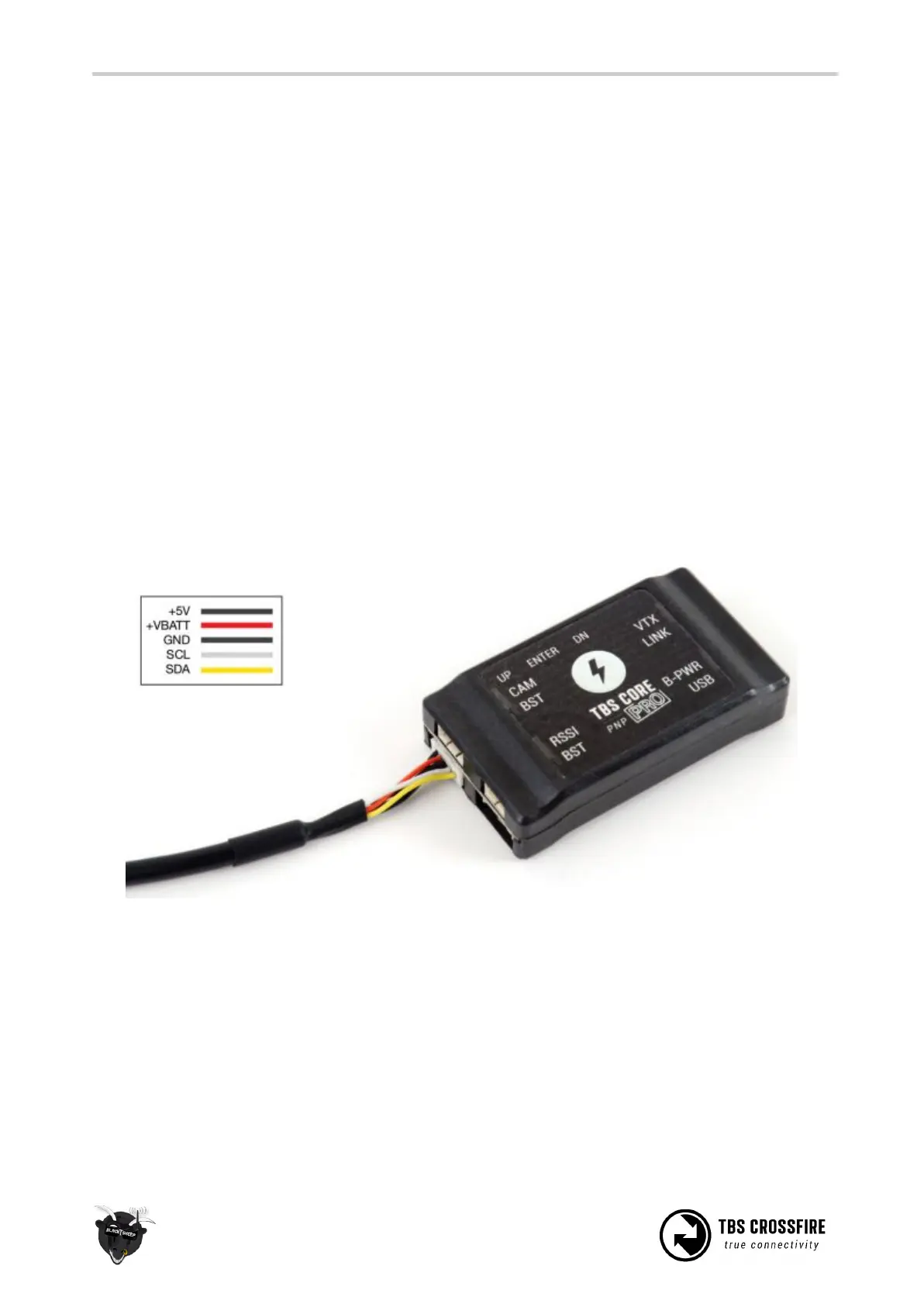
sensor from the FC you need to make a custom wire to power the TBS CORE PRO. This cable requires only
two leads out of the default BST cable. +VBATT goes to the flight battery plus and GND goes to the flight
battery minus. Make sure the other leads do not touch anything or short against each other.



 To Next Page