35
Home Operation
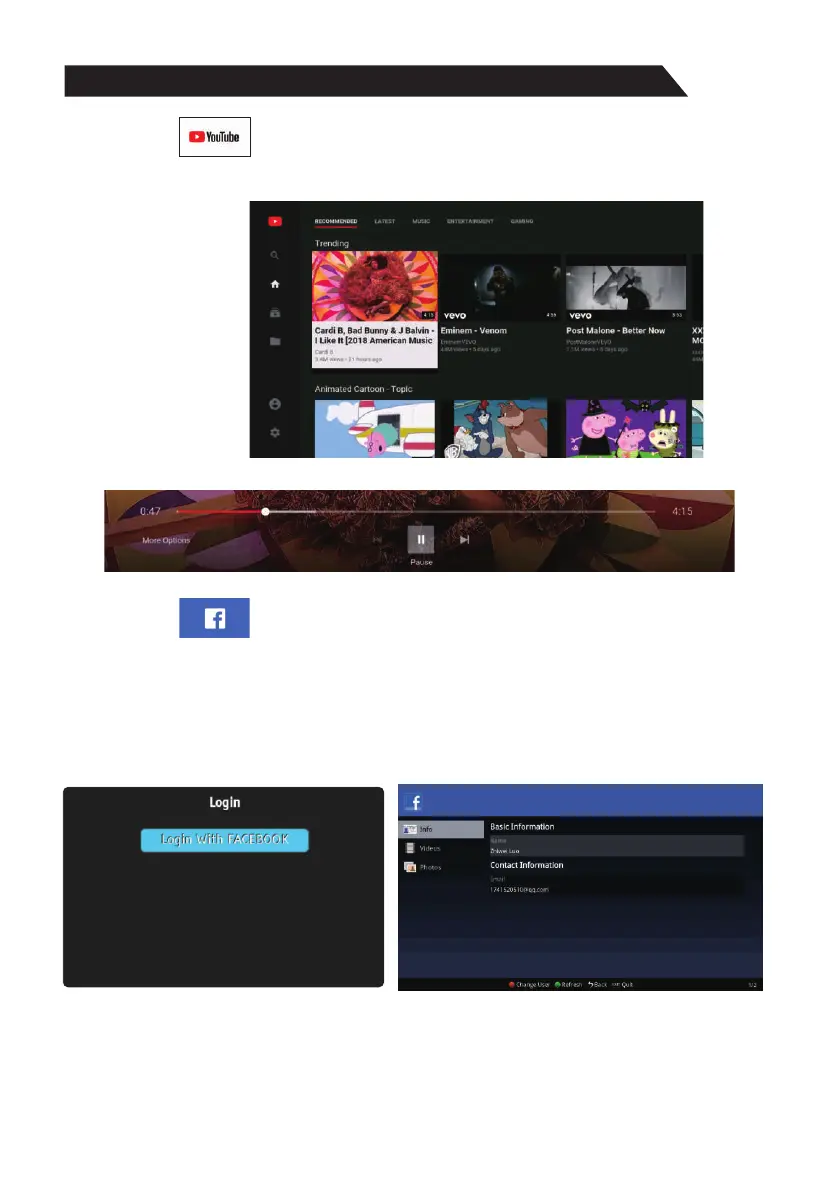
2)Youtube
Œ Use arrow key to select YouTube icon, then press “ENTER” key to enter Youtube.
Use arrow button to select one video and press “ENTER” key to play. Press “MENU”
key to exit playing.
Ž Press key to open or close control menu when playing.q
3)Facebook
Œ Use arrow key to select facebook icon, then press “ENTER” key to enter Facebook.
Visit https://www.facebook.com/device on your smartphone or computer to get code and
enter the code.
Ž Press arrow key to browse the pages and press “ENTER” key to view.
Press “BACK” key to return to main menu and press “EXIT” key to exit Facebook.
Red key: log in or log out Facebook.
Green key: refresh current page.



 To Next Page