11-13
11. PROGRAMMING PROCEDURES
EM1-31064
11.6 ADDRESS AND COMMERCIAL MESSAGE SETTING
11.6 ADDRESS AND COMMERCIAL MESSAGE SETTING
Menu Page: 1
Item No.: 5
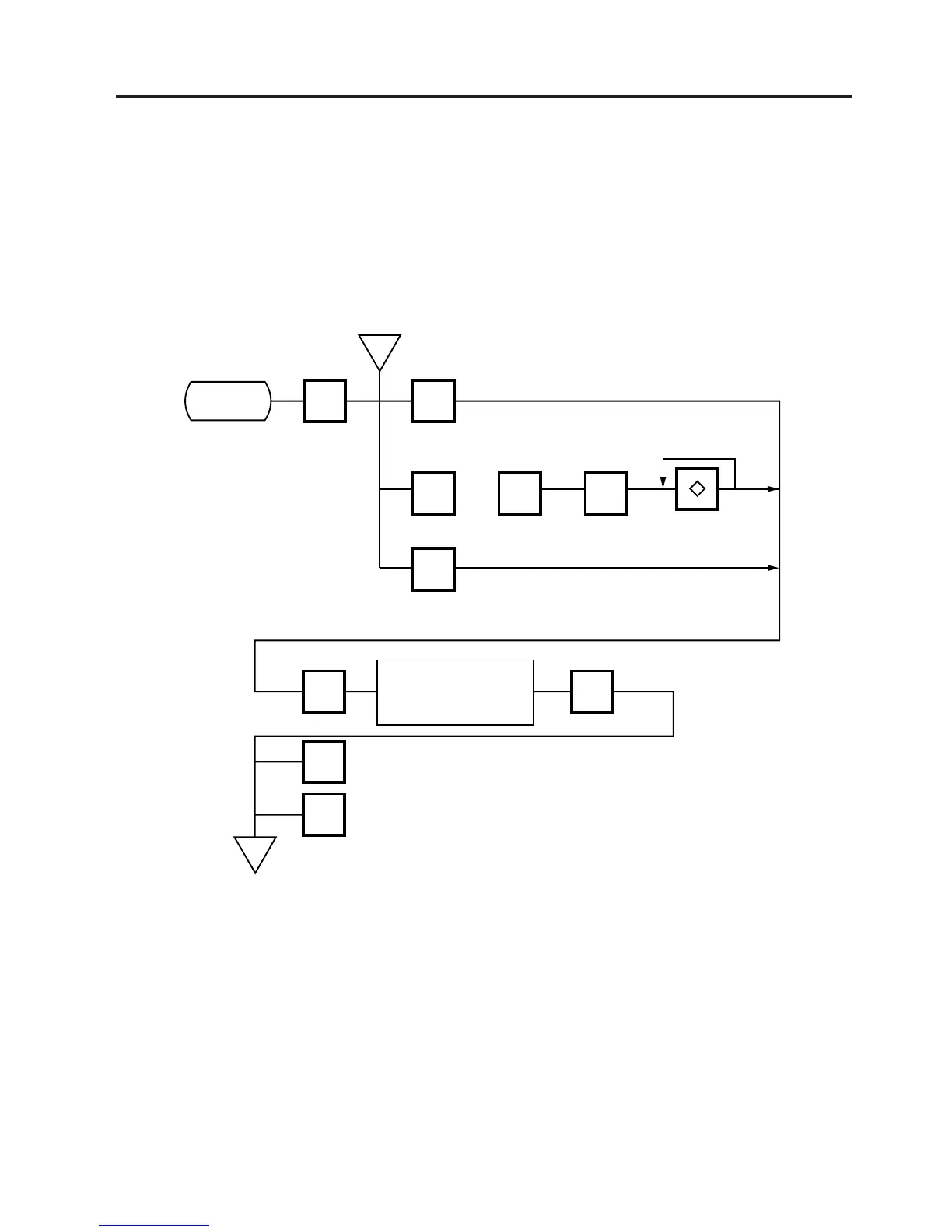
A store address printed on label and a commercial message shown on the display can be set within
the following character limits using the procedure below.
Address: 32 characters x 2 lines
Message: 90 characters
Receipt Header: 24 characters on the 1st/2nd line and 48 characters in the 3rd line
5 0
9
<MENU>
Page 1
PROG.
ESC.
ENTERENTER
Enter a store address
or commercial Message.
(Refer to Page 11-3)
<MENU>
Page 1
Main
<MENU>
h
h
Store Address
Receipt Header
1 8
~
ENTER
Commercial Message#
Scrolling ↔ fix
NOTE: When the fixed message is selected, the first 16 characters will be indicated on the display.



 To Next Page