11-4
11. PROGRAMMING PROCEDURES
EM1-31064
11.1 UNIT PRICE CHANGE
11.1 UNIT PRICE CHANGE
Menu Page: 1
Item No.: 0
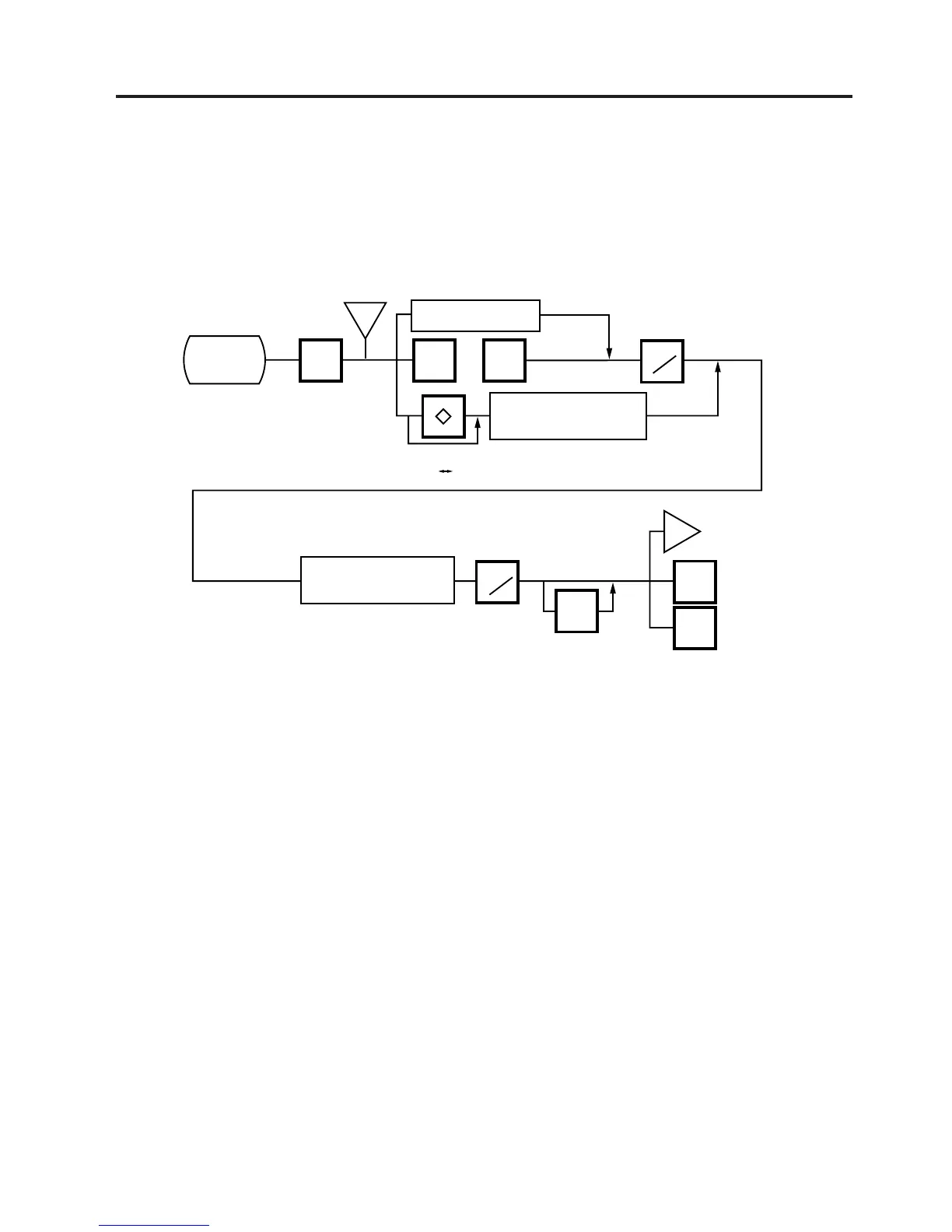
The unit prices stored in PLU can be changed with this menu.
In this procedure, use the operation keys (except when calling a PLU by using a speed key).
NEXT
PLU
VOID
TEST
PROG.
ESC.
0
or
Enter the PLU #.
Enter the Speed key #
(See NOTE 3)
Speed key
Page 1 Page 2
PRT
*
PRT
*
<MENU>
Page 1
<MENU>
Page 1
Main
<MENU>
Change the unit price
(max. 4 digit)
a
a
NOTES: 1. Calling a PLU# that has not been stored in the PLU file results in an error.
2. Under this Menu (Menu No. 0), “open-price” PLU’s price cannot be changed.
3. In the self service scale mode (the initial setting #13-2 is set to 1), any PLU cannot be
called by using the speed key.



 To Next Page