14-13
14. OPERATING PROCEDURES
EM1-31064
14.8 CALLING AND PRINTING LOGOS
14.8 CALLING AND PRINTING LOGOS
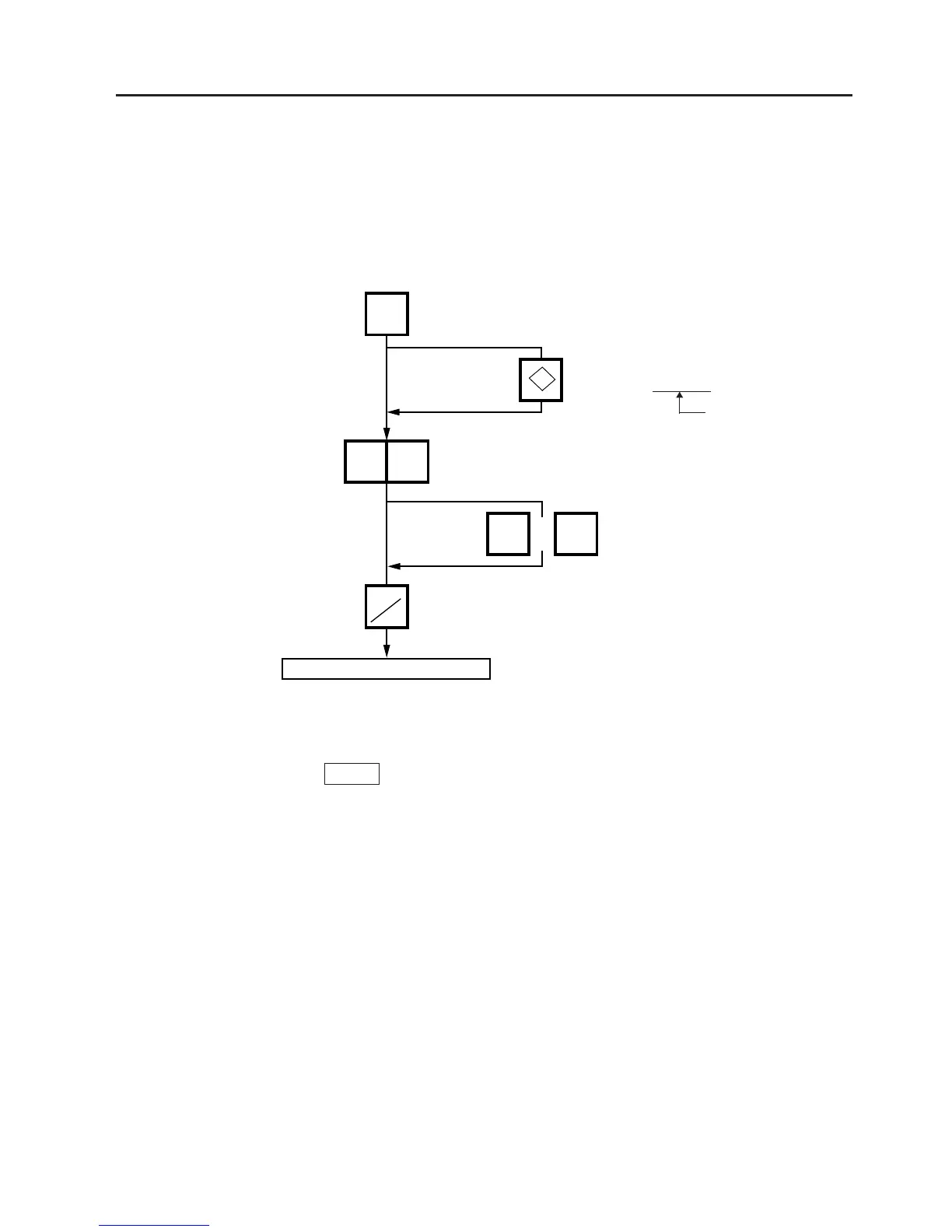
When the initial setting #10-7 is set to “1”, a logo containing a picture, a mark, a POP message etc.,
can be printed on the ingredient label having 12 lines or more.
Logo data is created on the PC and stored into the memory through the CMT/PL-3 interface.
Menu: REG., M.DOWN, or REWRAP
Mode: WEIGH, FIX, or BY COUNT
Press:
LOGO
10
0C
PRT
*
or
Start the label issue operation.
Enter the logo #.
(1 to 26)
Press:
Clear the entered
logo #.
NOTES: 1. The logo # will be effective until it is changed or deleted.
(Logo # is still effective after turning the power off and/or changing mode.)
2. Pressing the
PRT/*
key returns the display to the initial display of weighing mode.
This clears the unit price and tare data.
3. LOGOs will not be printed together with a safe handling instruction on a label.
4. LOGOs will be printed in the center of a label.
Select the LOGO type
(LOGO (1) ↔ LOGO (2) ↔ F. Shopper)
SL-9000N only



 To Next Page