14-15
14. OPERATING PROCEDURES
EM1-31064
14.10 DATE CHANGE
NOTES:1. A store code can be printed in place of a ‘packed on date’ and ‘sell by date’ by changing
the initial settings #6-5 and #6-6.
To print a store code, select ‘packed on date’ or ‘sell by date’ as a print item using the
above procedure.
2. Setting data will not be changed by turning the power off, changing the mode or calling a
PLU.
3. The
0
key has no function.
4. Pressing the
C
key allows you to return to the step of selecting the ‘packed on date’.
5. The range of idle time = 0 to 99 seconds. A setting ‘0’ prohibits display of an auto
message.
6. Item 29 is operable only when the initial setting #1-5 is set to ‘0’.
7. Be sure to press the
FEED
key after the
PRT/*
key when changing the label format.
14.10 DATE CHANGE
The date can be changed temporarily.
Menu: REG., M.DOWN, or REWRAP
Mode: WEIGH, FIX, or BY COUNT
DT/TM
1
2
1
8
9
4
PRT
*
Press:
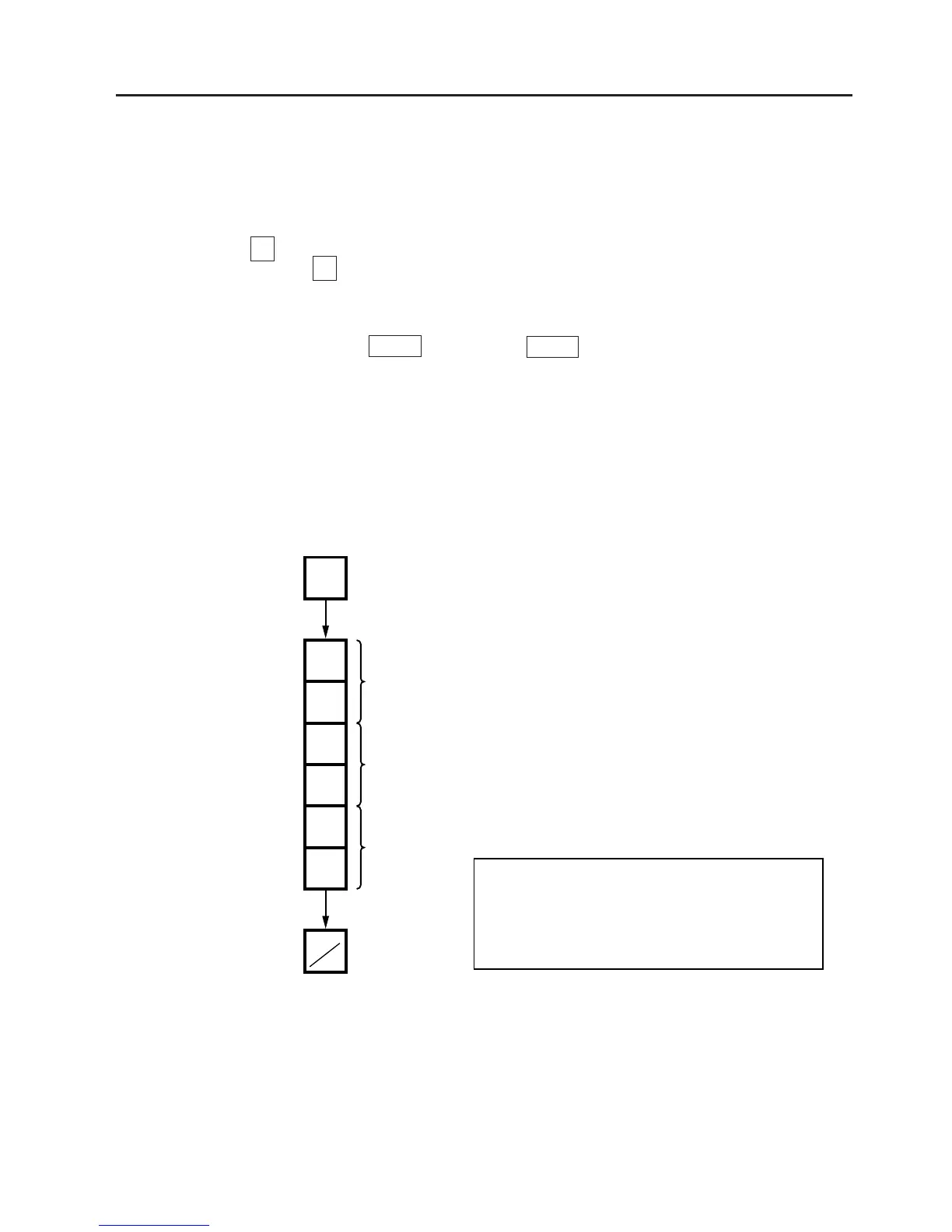
Enter the new date.
(Ex. Dec. 18, 1994)
Month
Day
Year
NOTE: The scale will check the details of the date input. An invalid date will result in an error.
DATE 1 2 1 8 9 4



 To Next Page