15-3
15. TOTAL OPERATION
EM1-31064
15.4 VENDOR TOTAL REPORT
A Individual Total
Ex.) Individual PLU Total (PLU #100)
NOTES:1. When setting the PLU zone, it is not necessary to enter the beginning number which is smaller
than the end number.
2. When issuing a block or a zone total report, a PLU with no sales record is not printed. If all
PLUs of the block or zone have no sales record, only the total is printed.
3. Pressing the
C
key in the middle of issuing a reset report stops printing and data is not
cleared.
15.4 VENDOR TOTAL REPORT
PRT
*
PRT
*
3
Enter an individual vndor #.
(All)
(Individual)
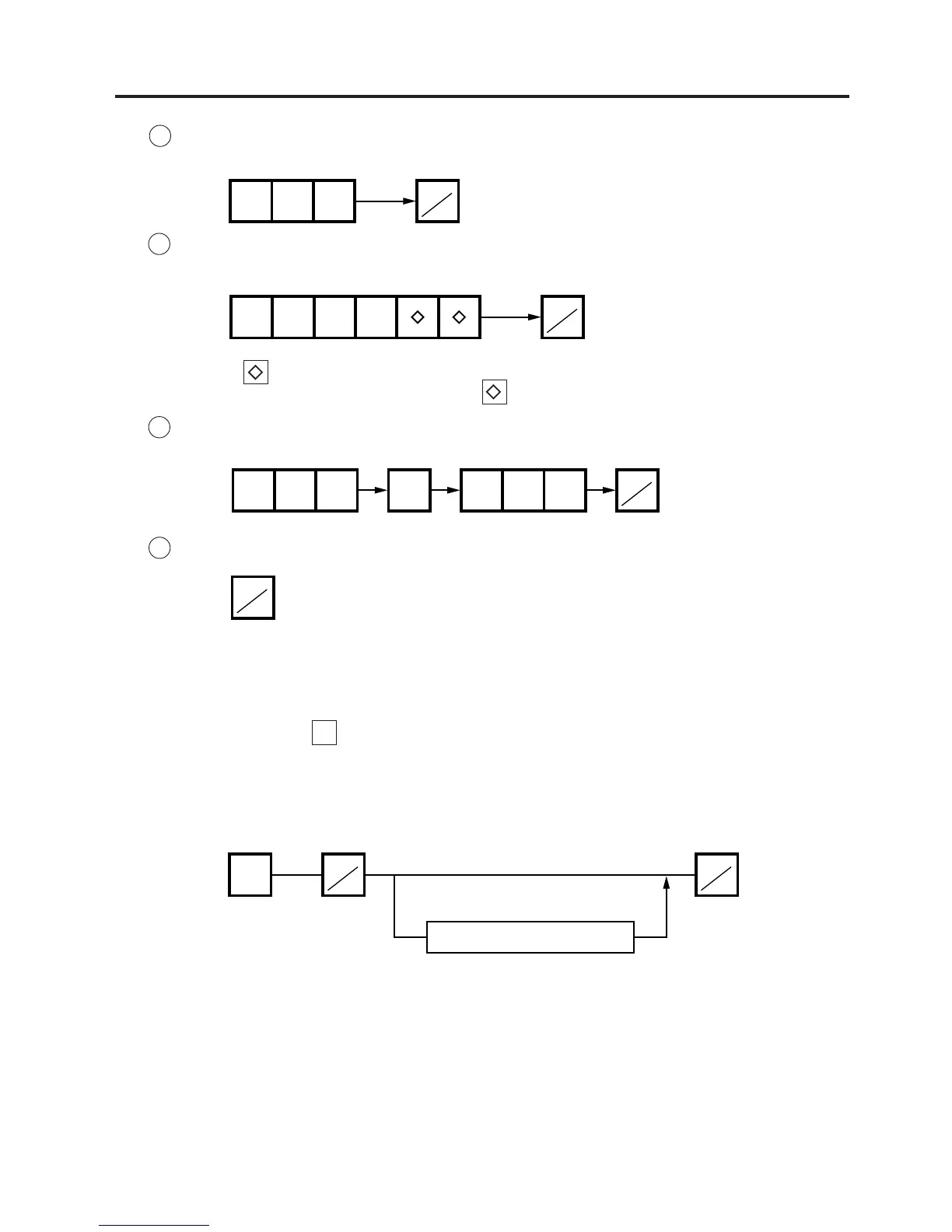
NOTE: The key represents 0 through 9. The most significant digit in the starting number is
followed by an appropriate number of keys.
B Block Total
Ex.) UPC Block Total (UPC #100100~100199)
C Zone Total
Ex.) PLU Zone Total (PLU #100~107)
D Entire PLU Total
PRT
*
100
PRT
*
1001
PRT
*
100 107PLU
PRT
*



 To Next Page