14-19
14. OPERATING PROCEDURES
EM1-31064
14.12 VISUAL COMMODITY LIBRARY
14.12 VISUAL COMMODITY LIBRARY
Menu: REG., M.DOWN, or REWRAP
Mode: WEIGH, FIX or BY COUNT
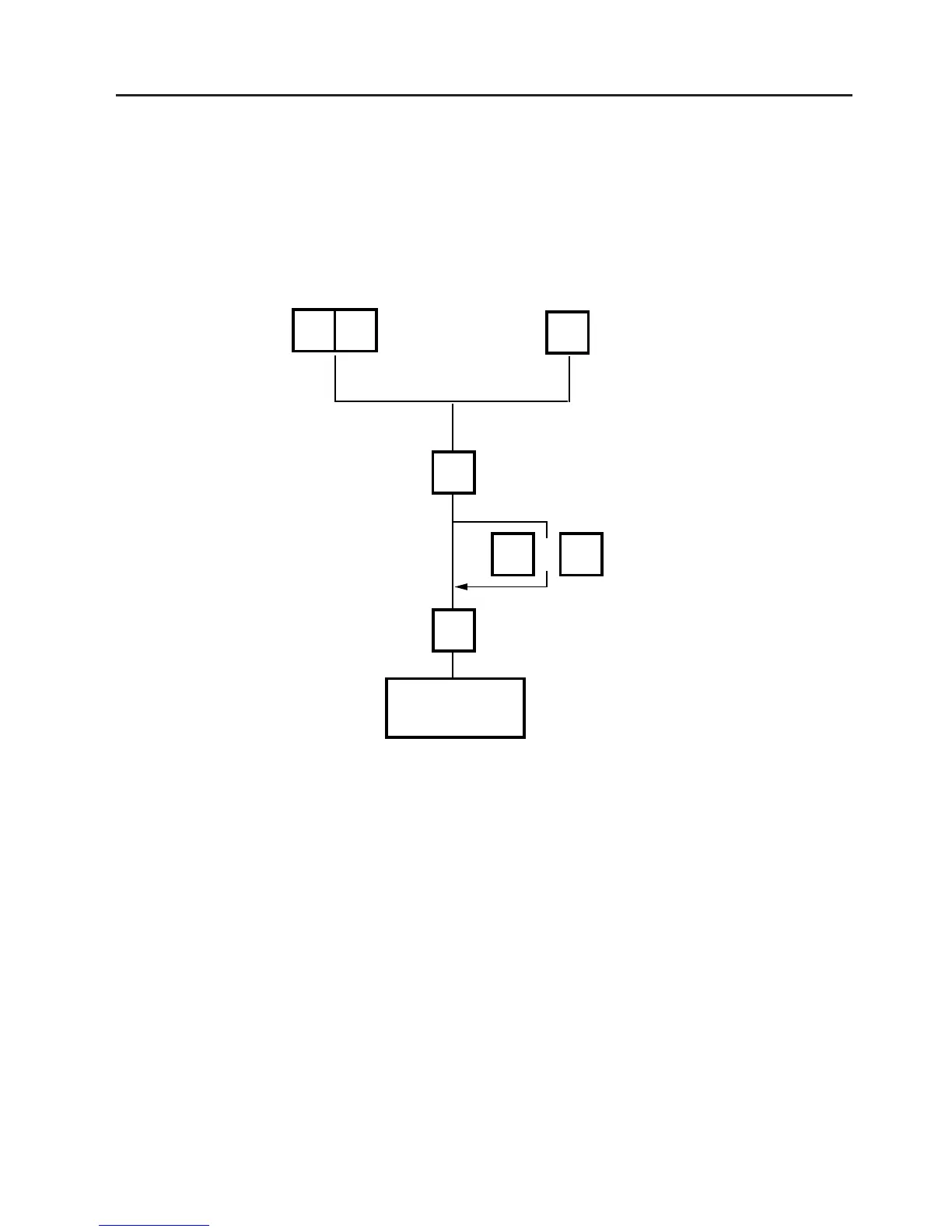
In the following procedure, entering a group # (the upper two digits of PLU#) allows you to call 6
commodities which belong to the group. This function is convenient when calling a commodity which
PLU# you do not know.
Enter a group #.
Press:
NEXT PLU: go to next page
VOID: go to previous page
Enter a number in the
brackets to call the PLU.
Enter a group # using
the speed key.
NEXT
PLU
VOID
or
12
Dpt #
12
Group
#
2
Proceed to basic
operation.



 To Next Page