11-23
11. PROGRAMMING PROCEDURES
EM1-31064
11.14 IN-LINE/LOCAL
11.14 IN-LINE/LOCAL
Menu Page: 2
Item No.: 3
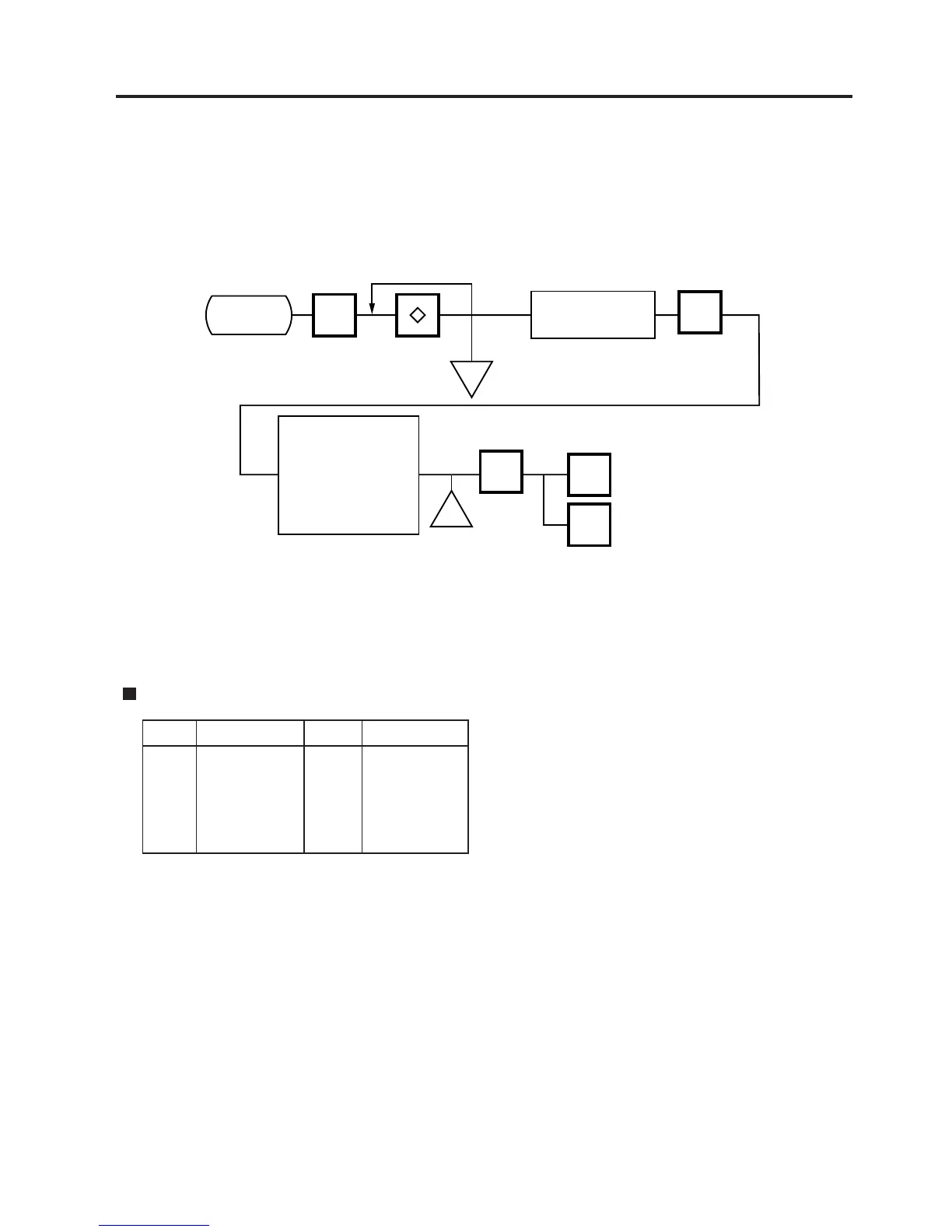
When the SL-9000 is used as a satellite in an in-line system, the “ID #” and “Transmission delay
time” can be set by the following procedure.
PROG.
ESC.
<MENU>
Page 2
Main
<MENU>
The transmission
delay time can be
set when in-line
system is selected
for TMCC.
(Refer to Table 5)
l
l
<MENU>
Page 2
3
Select mode
TMCC
OFF-line
Set ID numbers
(Range: 0~255)
ENTER
ENTER
NOTES: 1. The TMCC baud rate is fixed to 4800 BPS.
2. After setting the ID #, turn the power switch OFF and ON again.
3.
This setting is not available in case that the Initial setting #13-6 is set to 1 (LAN:
allowed).
Table 5: Transmission Delay Time Table
1 20~39 6 120~139
2 40~59 7 140~159
3 60~79 8 160~179
4 80~99 9 180~199
5 100~119
The default is 3.
TR-Time (ms)
TR-Time (ms)



 To Next Page