11-27
11. PROGRAMMING PROCEDURES
2. When the ENTER key is pressed, bar code format is checked. An error occurs in the
following cases.
1
Check digit (C/D) is at other than digit-13.
2
Price check digit (PC/D) cannot be calculated. (Price is other than 4 or 5 digits.)
3
Price is not set serially beginning from P1 (P1 to P4, or P1 to P5).
4
Weight is not set serially beginning from W1 (W1 to W5).
3. The usable keys to set the column are as follows:
EM1-31064
11.16 BAR CODE FORMAT
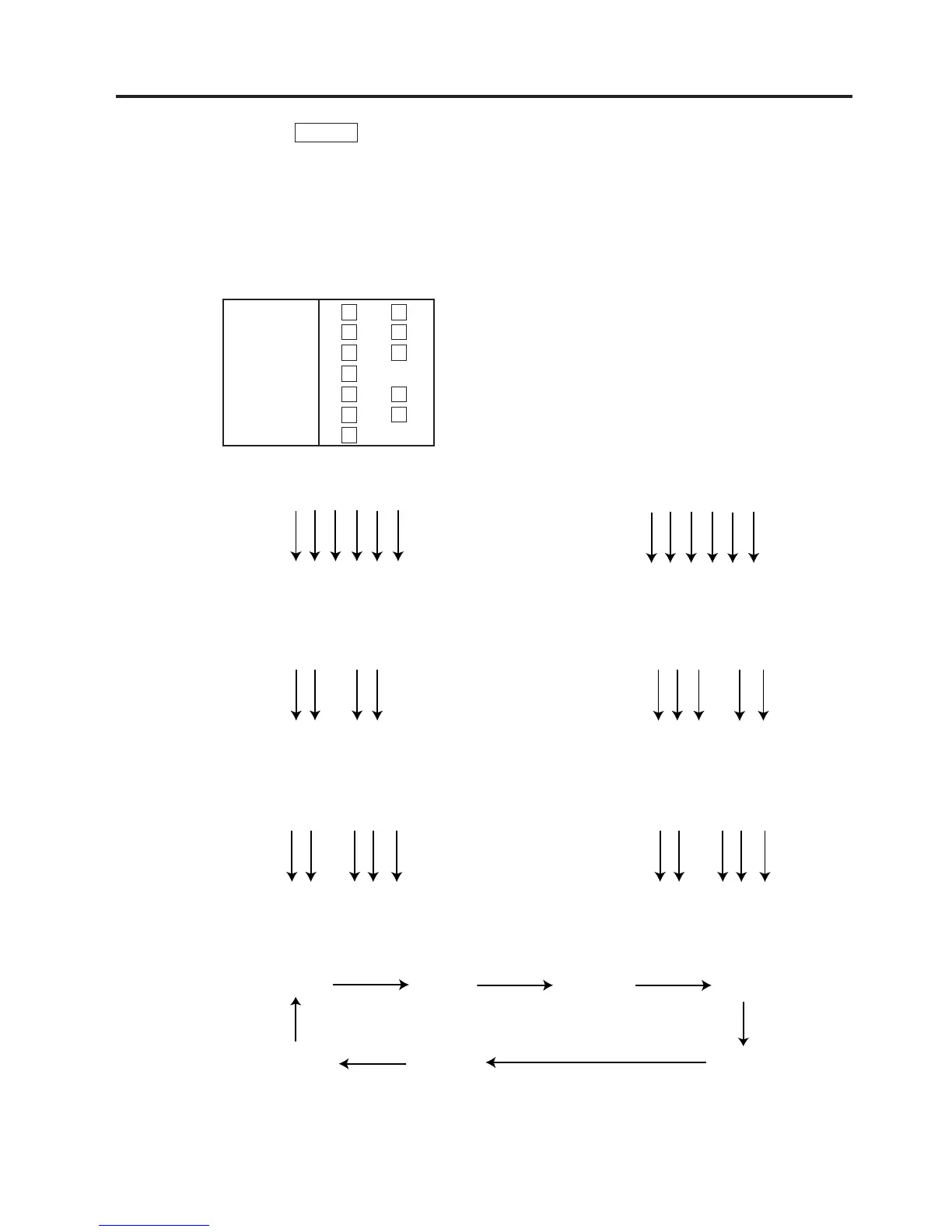
PLU # 123456
Display HHHHHH
123456
FLAG 0 ~ 9
PLU # 1 ~ 6
UPC# 1 ~ 6
PC/D 1
PRICE 1 ~ 7
WEIGHT 1 ~ 6
C/D 1
4. Digits and display of PLU# 5. Digits and display of UPC#
6. Digits and display of price
UPC # 123456
Display CCCCCC
123456
7. Display of weight digits
8. Setting Items
Price $ 1 2 . 3 4
Display P P P P
12 34
$ 1 2 3 . 4 5
PPP PP
123 45
Weight 1 2 . 3 4 5 lb
Display W W W W W
12 345
Weight 1 2 . 3 4 5 kg
Display W W W W W
12 345
Flag PLU# UPC# PC/D
C/D Weight Price
1
2
3
4
5
6
7



 To Next Page