13-2
13. PASSWORD SECURITY
EM1-31064
13.1 SETTING PASSWORD AND PROTECT MENU
ESC.
B
12
26
34
PRT
*
PRT
*
w
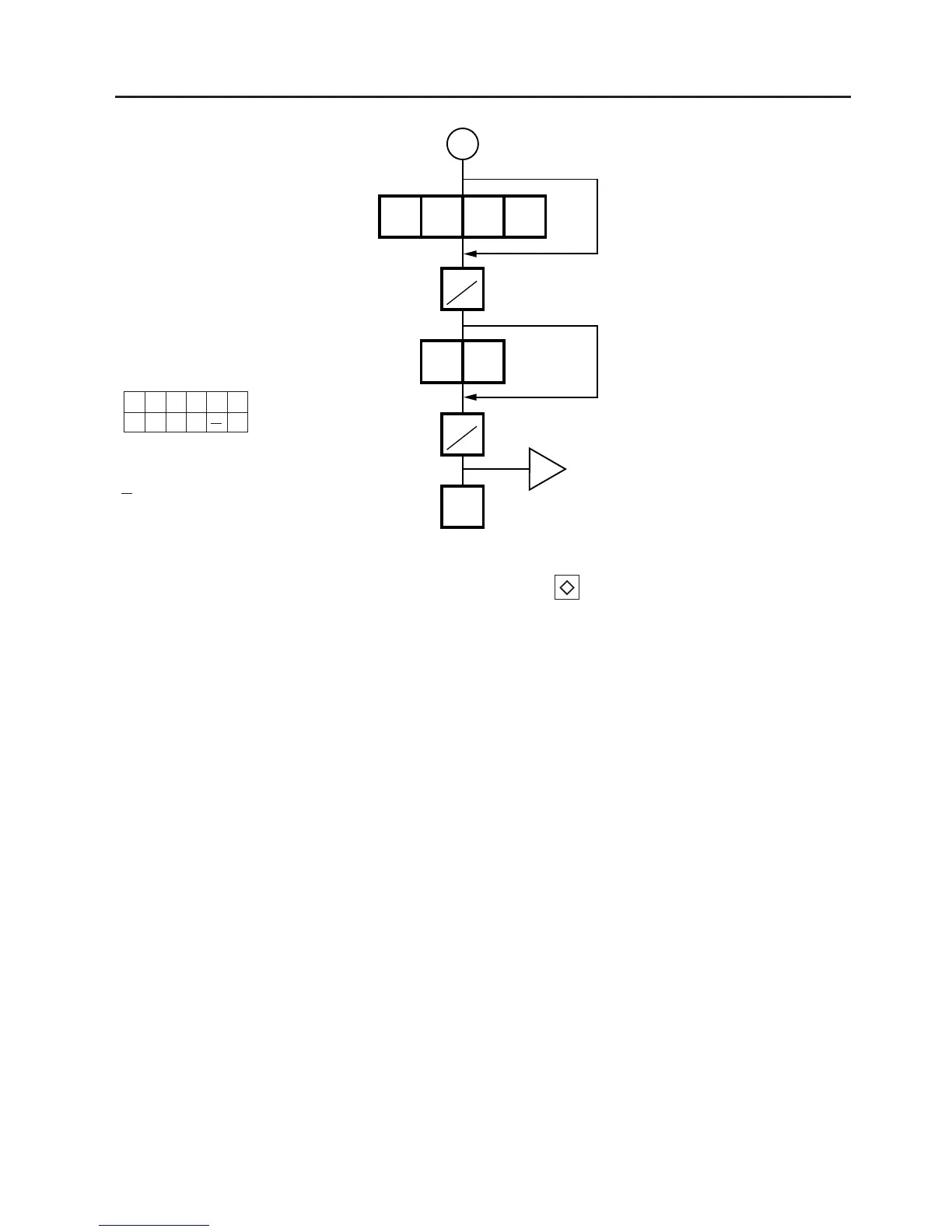
Select the menus the password B cannot access.
Remote display
Enter password B in 4 digits.
NOTES: 1. Select validity of the password by pressing the key.
2. When the same password is entered for password A and B, password A has priority over the
password B.
3. Be careful if you exclude the same menu from the accessible menus with both password A
and B, as you will not be able access the menu.
PMRSXZ
OXOO X
O: Valid
X: Invalid
: Not need



 To Next Page