EasyManua.ls Logo

TEC EM1-31064 - Page 72

Default Icon
96 pages
Print Icon
To Next Page IconTo Next Page
To Previous Page IconTo Previous Page
Loading...
14-7
14. OPERATING PROCEDURES
EM1-31064
14.4 PRINT COUNT OPERATION
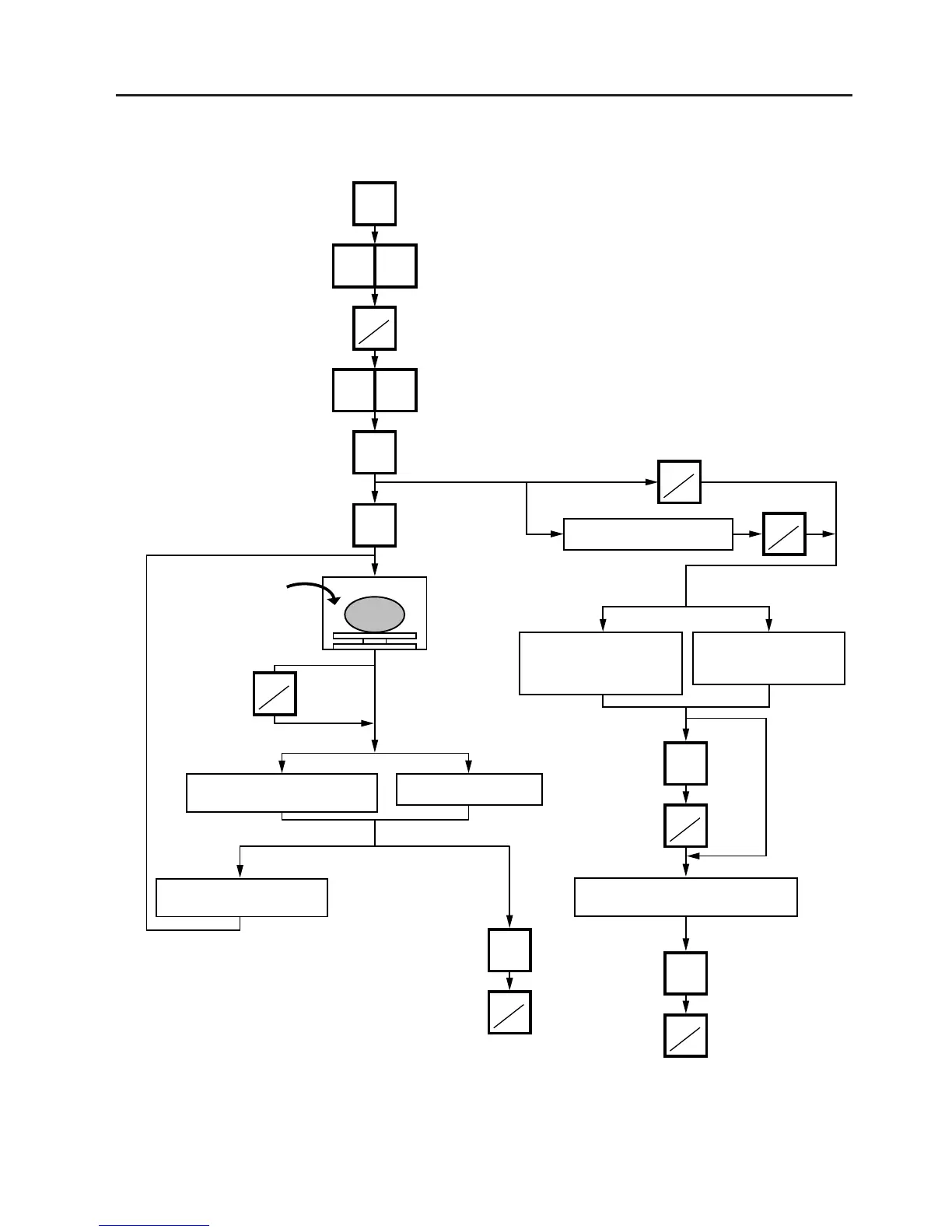
Example B) When operating in Fix or By Count mode.
Press:
Set the number of labels.
(Max. 99)
Press:
Enter the PLU #.
Press:
Press, to save the PLU
data:
[BY COUNT]
[FIX]
Place a commodity
on the platter.
(Ex. 1.320 lb.)
: AUTO
MANUAL :
Batch
On-demand
When the last label
is issued:
Repeat until the specified
number of labels are
issued, alternating the
commodity placed on the
platter.
Press, to clear the
Preset Count.
Suspend the
batch printing.
Resume the
label issue.
Batch On-demand
Clear the
preset count.
Press:
Press, to regain the
initial status.

Table of Contents

Related product manuals