14-17
14. OPERATING PROCEDURES
EM1-31064
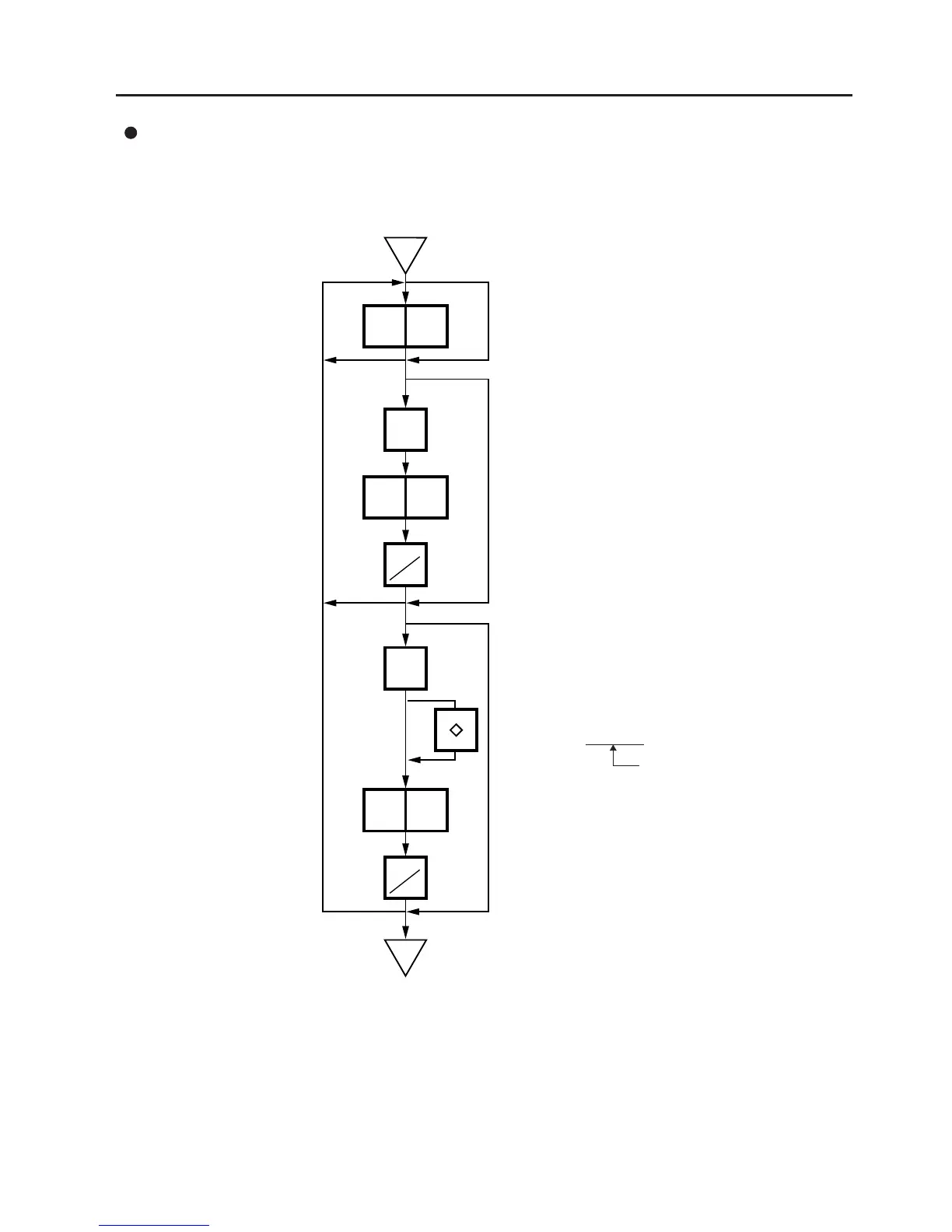
14.11 BATCH PRINT MODE (with 30 Items Run Assignment)
Changing a Unit Price and Calling G.Line/LOGO
x
y
30
12
10
GRADE
LINE
PRT
*
PRT
*
LOGO
Enter the quantity.
Call the Grade Line.
Enter the required Grade
Line# (1 to 49).
Press:
Call PLU designation
LOGO. (See NOTE)
Enter the required
LOGO# (1 to 26).
Press:
NOTE: By calling the PLU designation LOGO, the LOGO can be designated per PLU and printed. When
the PLU does not designate the LOGO, the LOGO programmed before entering Batch Print
Mode is printed.
Select the LOGO type
(LOGO (1) ↔ LOGO (2) ↔ F. Shopper)
SL-9000N only



 To Next Page