44
Introduction to the parameters of status:
Note:
Total allowable Bit rate, will automatically appear based on the configuration that
was set.
Effective bit rate should not exceed total allowable bit rate. Otherwise, overflow
will occur.
It is advisable to save a space to prevent overflow.
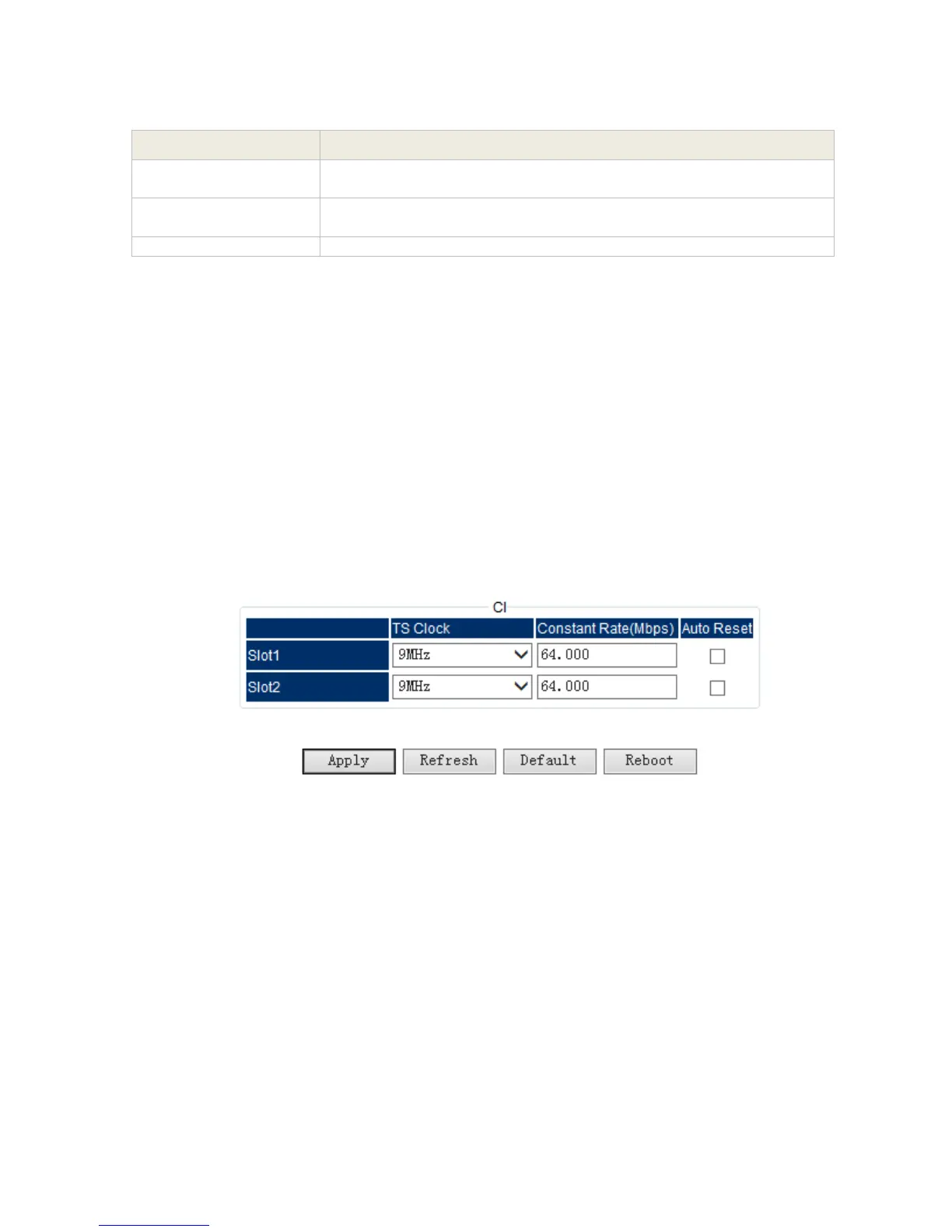
3.1.4.7 CI Descrambling Module
The CI descrambling module is for descrambling the input scrambled stream via CAM module.
The module supports 2 CAMs working simultaneously.
Setting
Pic-3.1-37
Indicates the total bit rate of input signal, including the valid and null
packet. The unit is Mbps
Indicates the bit rate of valid packet (excluding the null packet). The
unit is Mbps.
Indicates if the physical RF port works (green) or not (red)



 To Next Page