58
Introduction to the parameters of status:
3.1.4.11 DVB Scrambler Module
Insert the scrambler module to an empty slot. After successful initialization, log on web-based
management system and select “Scrambler” tab in the tool bar and click + to expand the
configuration option. The scrambler configuration includes four parts:
1. Basic setup:
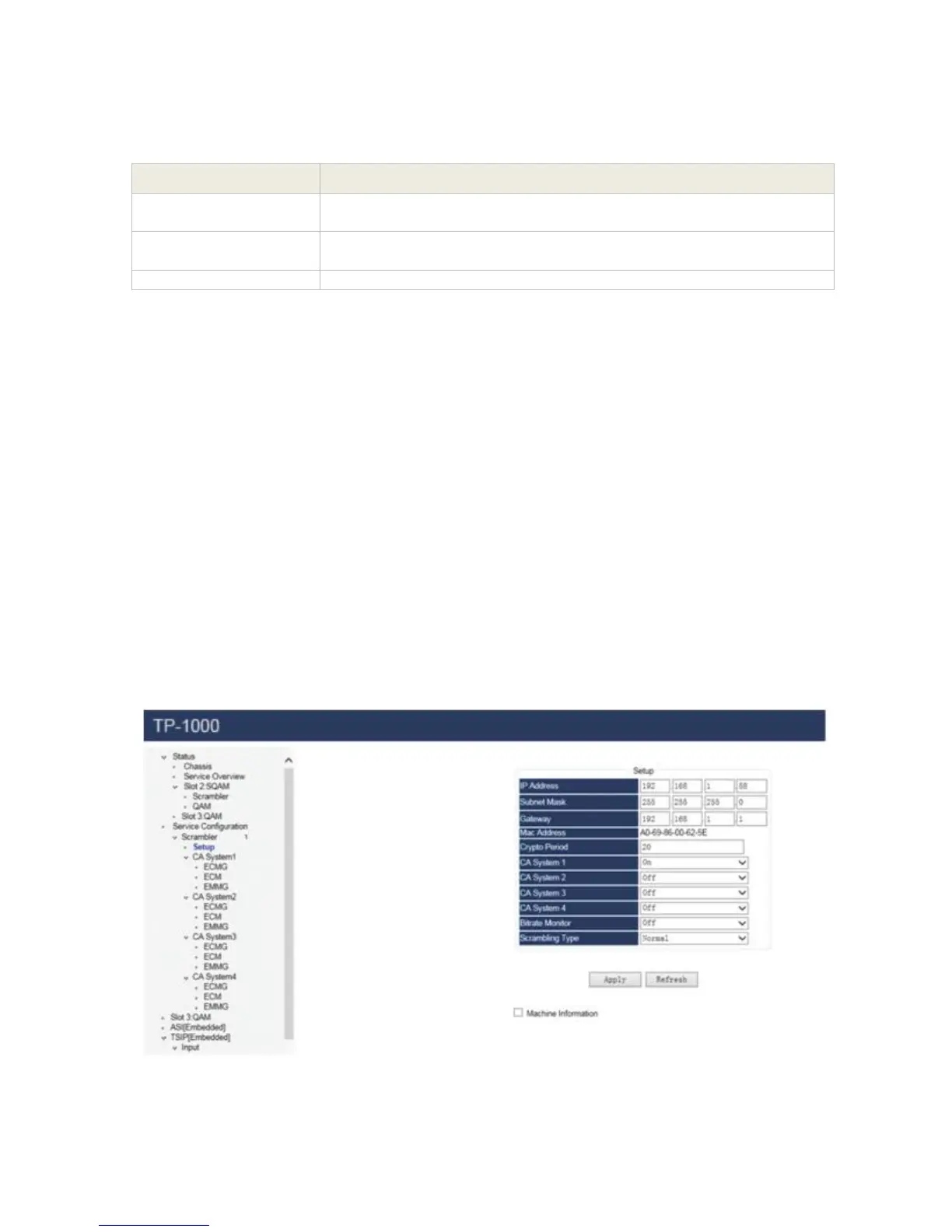
Click the “Setup” under the Scrambler module in the Module Configuration, this page provide
access to check / configure the basic parameters of the scrambler module, like IP address,
Subnet Mask, Gateway, Mac Address.
System operator can decide how many CAS is needed for symulcrypt in the system, the module
support at most 4 different CAS symulcrypt simultaneously.
Pic-3.1-53
Indicates the total bit rate of input signal, including the valid and null
packet. The unit is Mbps
Indicates the bit rate of valid packet (excluding the null packet). The
unit is Mbps.
the resolution of input video



 To Next Page