196
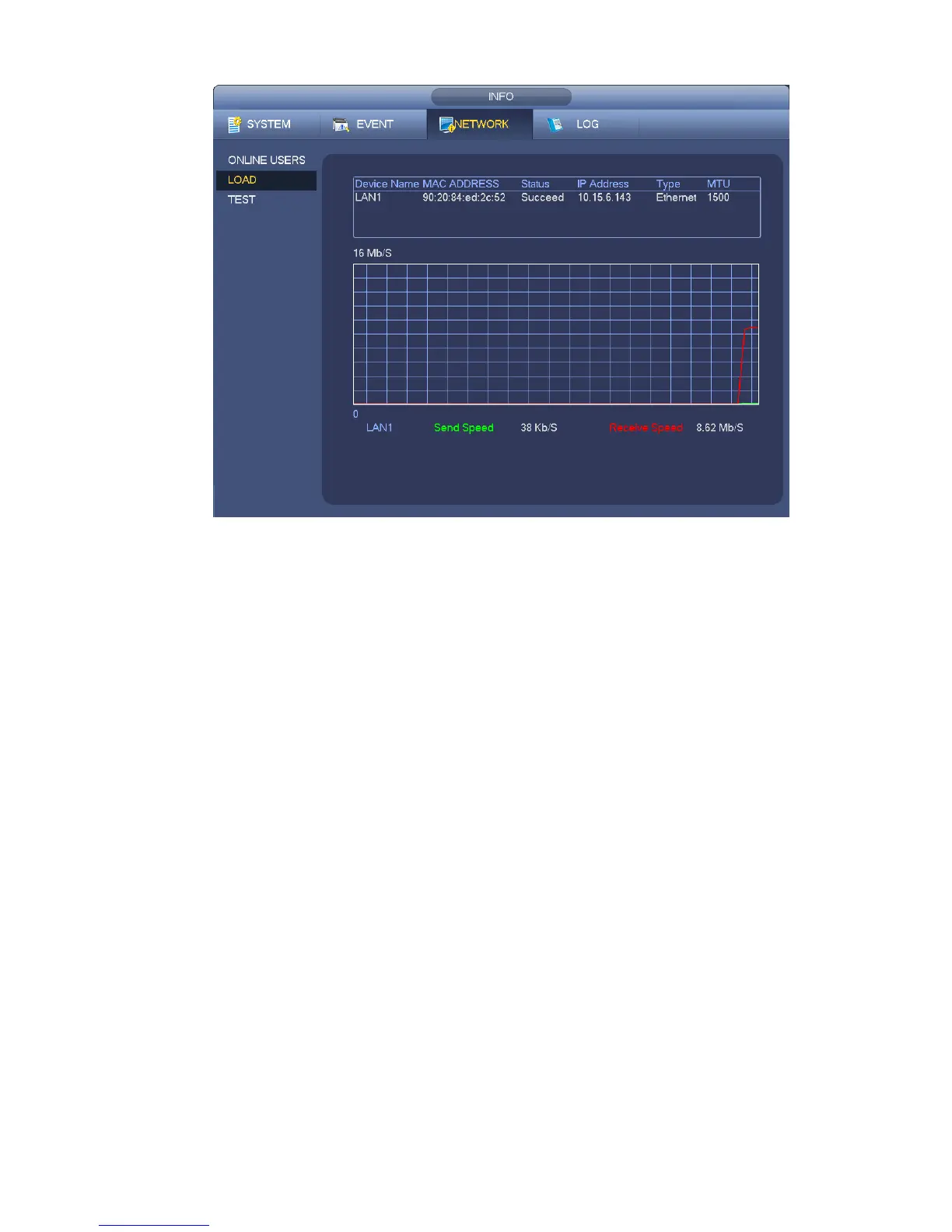
Figure 4-122
4.13 HDD Setup
Here you can view HDD information such as type, status, total capacity, record time and etc. The
operation includes format, resume from error, change HDD property (Read write, Read-only). Here you
can also set alarm and HDD storage position.
4.13.1 Format
a) From Mani-menu->Setting->Storage->HDD Manager, you can go to HDD management interface.
See Figure 4-123.


 To Next Page