119
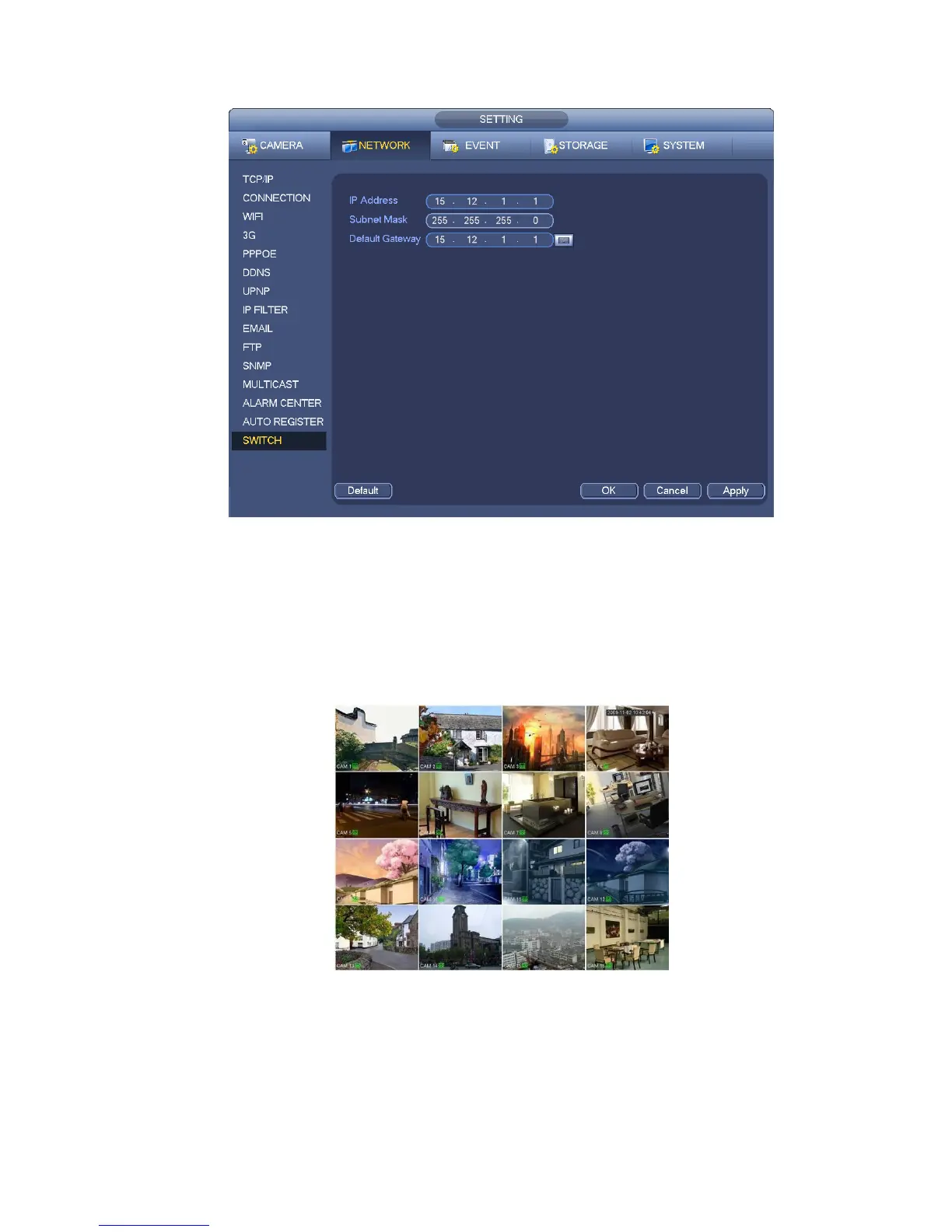
etc. See Figure 4-26.
Figure 4-26
4.6 Preview
After device booted up, the system is in multiple-channel display mode. See Figure 4-27.Please note the
displayed window amount may vary. The following figure is for reference only. Please refer to chapter 1.3
Specifications for the window-amount your product supported.
Figure 4-27
4.6.1 Preview
If you want to change system date and time, you can refer to general settings (Main
Menu->Setting->System->General). If you want to modify the channel name, please refer to the
display settings (Main Menu->Camera->CAM name)


 To Next Page