205
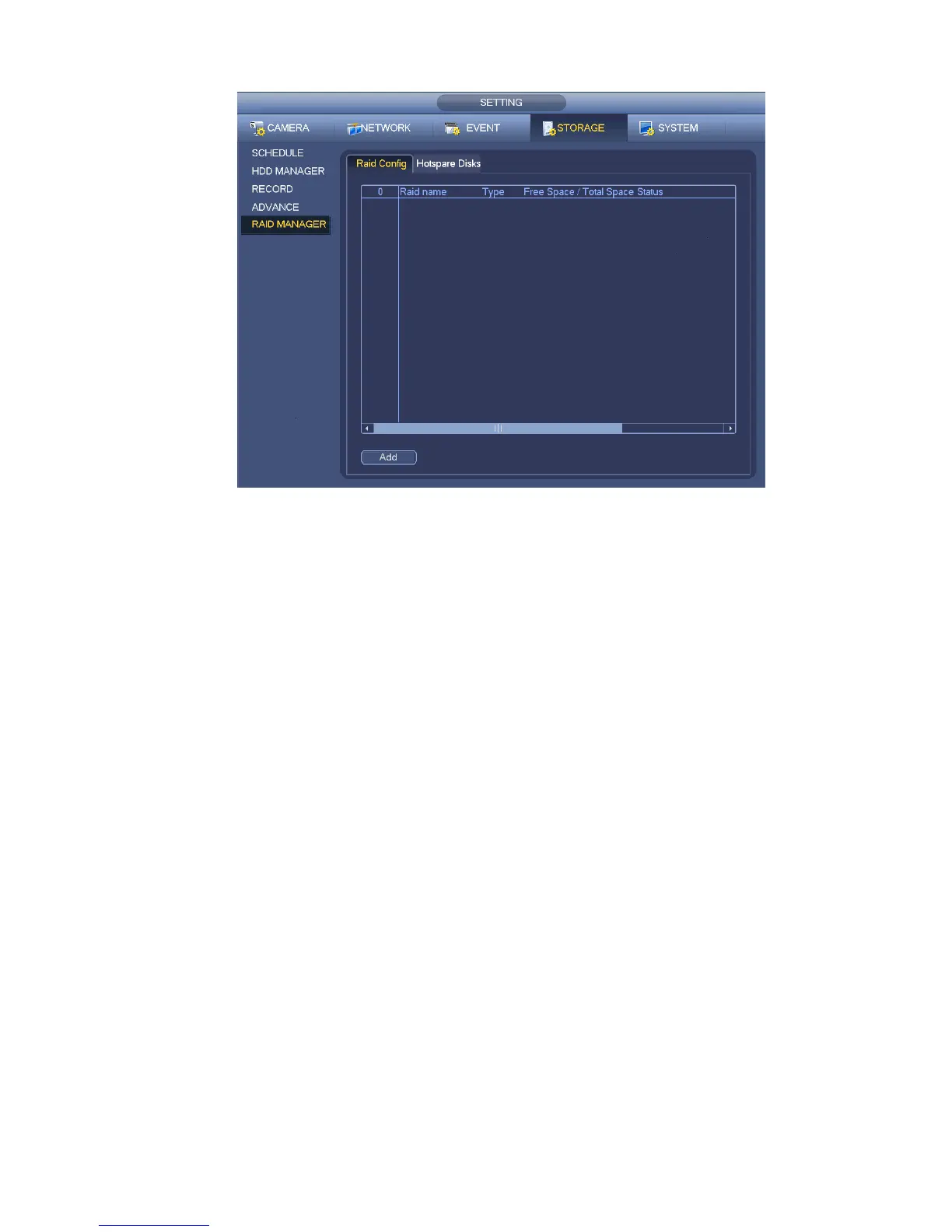
Figure 4-134
4.13.5.2 Hotspare disks
Click Hotspare disks tab name, you can add the hot spare HDD. See Figure 4-135. The type includes two
options:
Global: It is global hotspare disk. When any RAID becomes degrading, it can replace and build the
RAID.
Local: It is local hotspare disk. When the specified RAID becomes degrading, it can replace and build
the RAID.
Select a hot spare device and then click Delete button. Click Apply button to delete.


 To Next Page