127
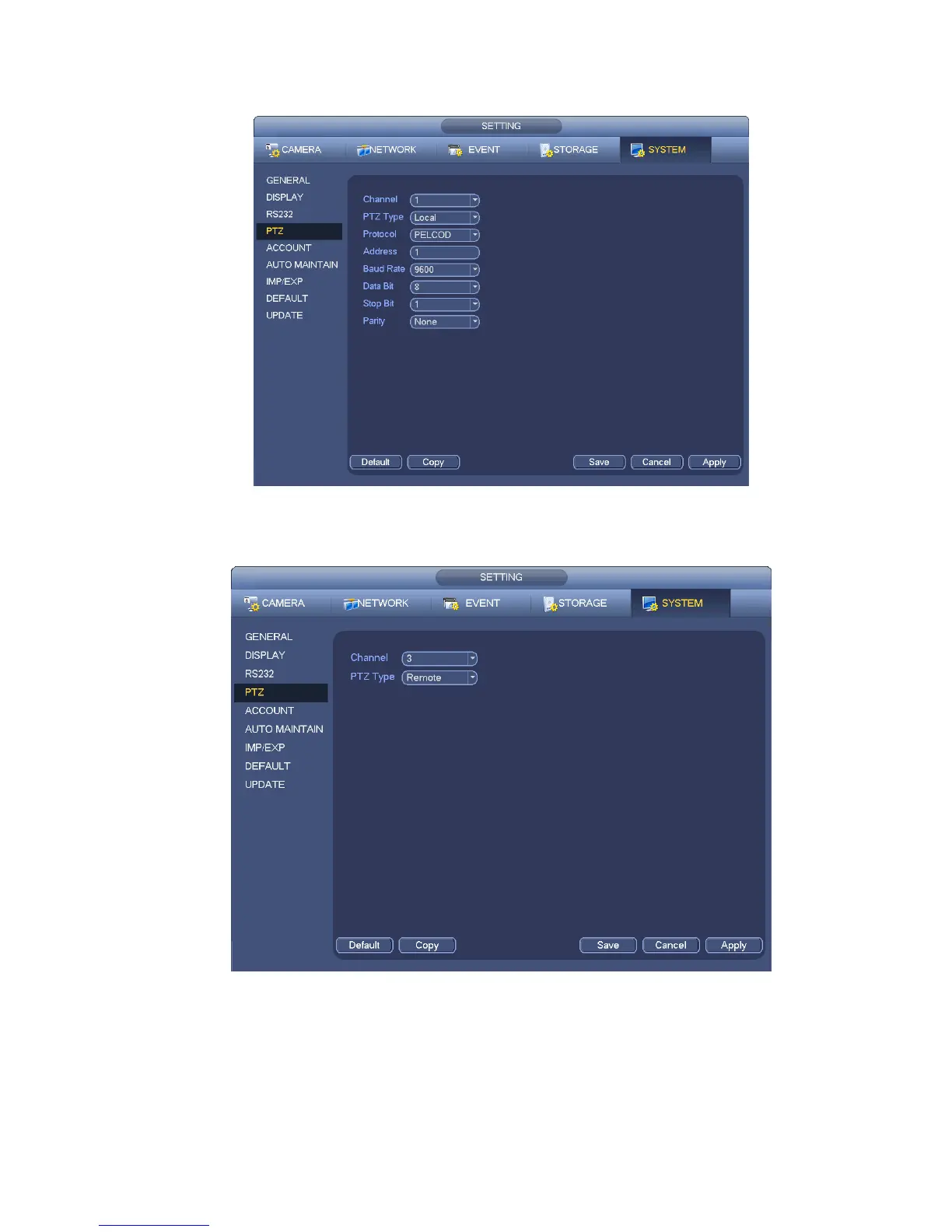
Parity: There are three options: odd/even/none. Default setup is none.
Figure 4-36
If you are connecting to network PTZ, the PTZ type shall be remote. See Figure 4-37.
Figure 4-37
4.7.2 PTZ Control
After completing all the setting please click save button. Right click mouse (click “Fn” Button in the
front panel or click “Fn” key in the remote control). The interface is shown as in Figure 4-38. Please
note you can only go to the PTZ control interface when you are in 1-window display mode.


 To Next Page