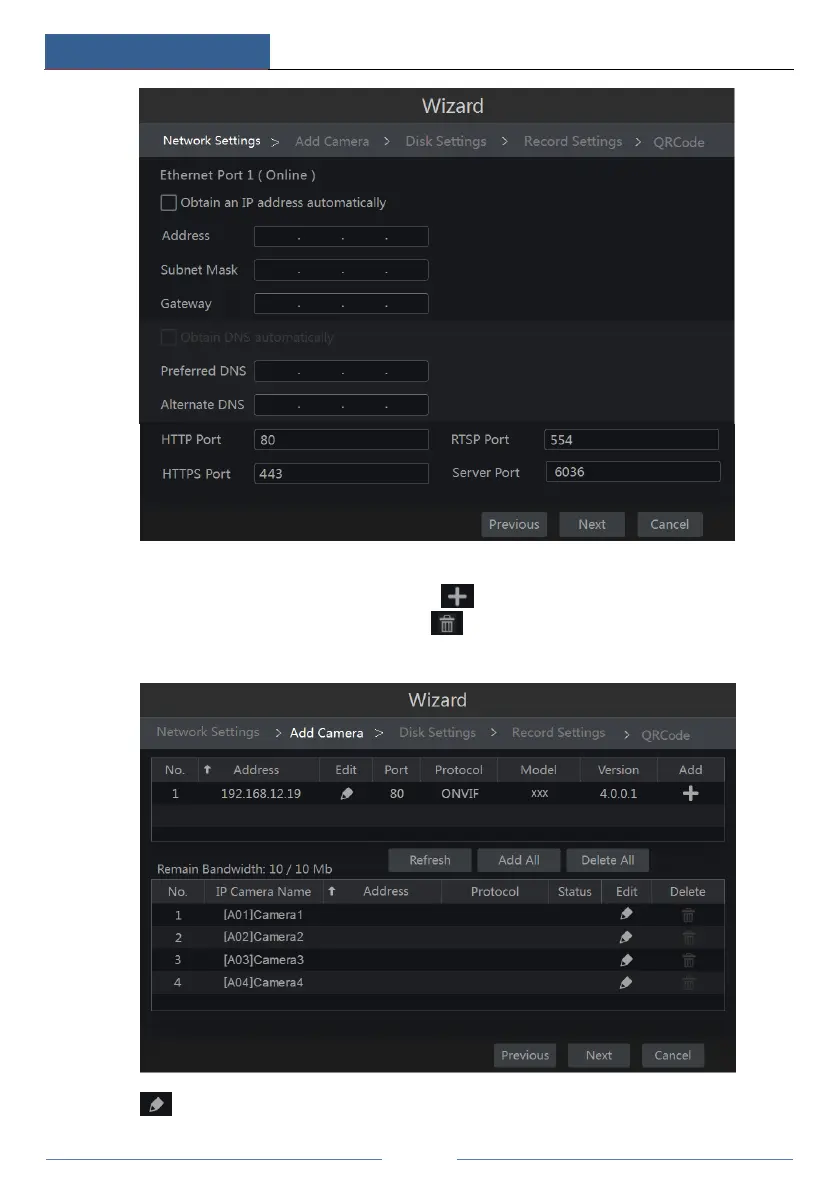
④ Add Camera. Click “Refresh” to refresh the list of online IP cameras which are in the
same local network with DVR and then click to add the searched camera. Click “Add
All” to add all the cameras in the list. Click to delete the added camera. Click “Delete
All” to delete all the added cameras.
Click to edit the searched IP camera as shown on the below left. Input the new IP address,



 To Next Page