Classic mode
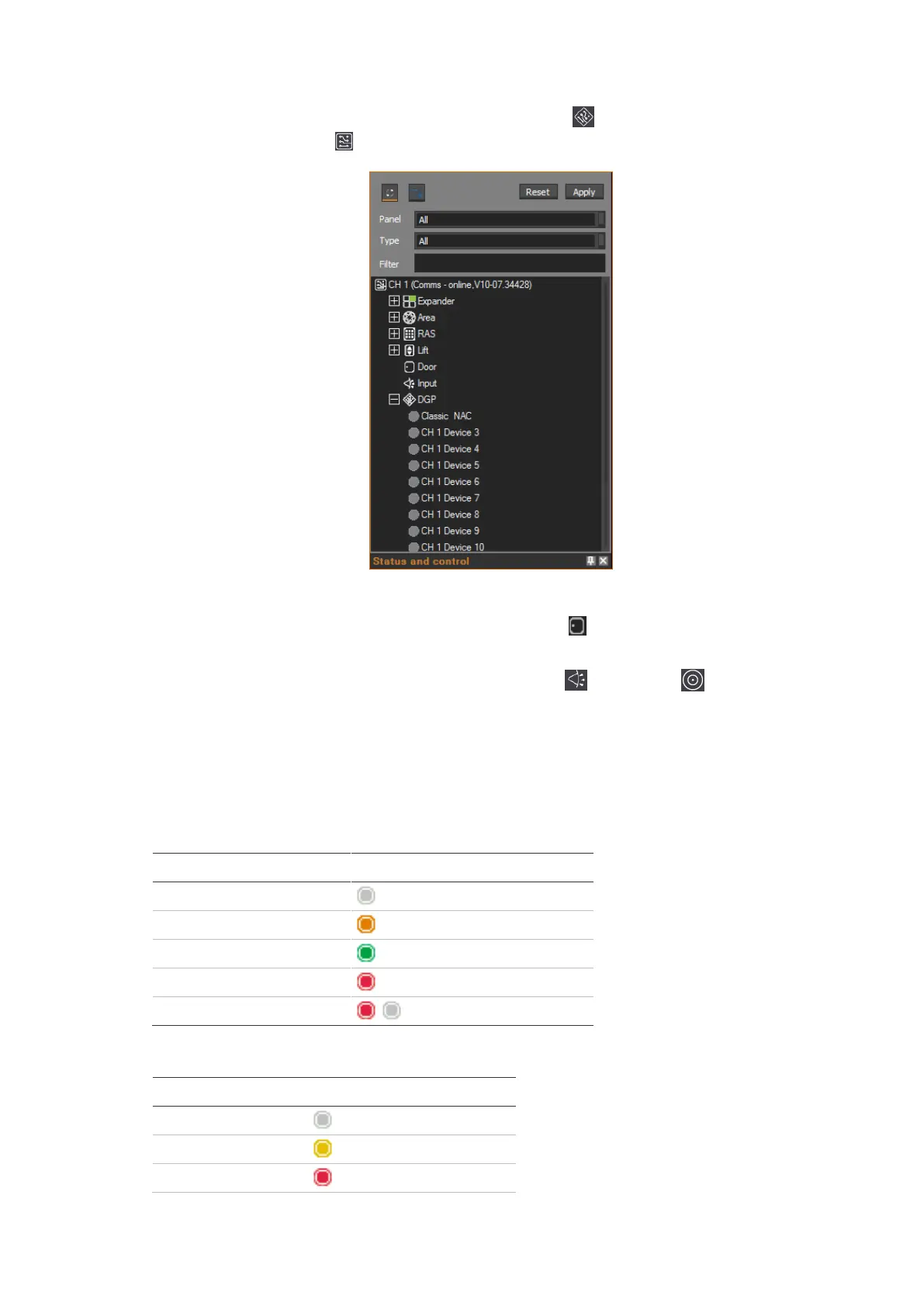
In Classic mode, the NAC appears under the DGP category under the
ChallengerPlus panel that it is connected to. For example:
The NAC’s assigned RASs and DGPs appear as sub-devices under the NAC.
The NAC’s doors appear as doors under the Door category of the
ChallengerPlus panel.
Mapped inputs and relays appear under the Input and Relay categories.
Status
Coloured icons indicate the status of NAC doors (see Table 6 below and
attached RASs and DGPs (see Table 7 below).
Table 6: Door status
Table 7: DGP/RAS status



 To Next Page