11
Deleting a Single Station
1) Enter the memory (VM) mode and select the station that you wish to delete.
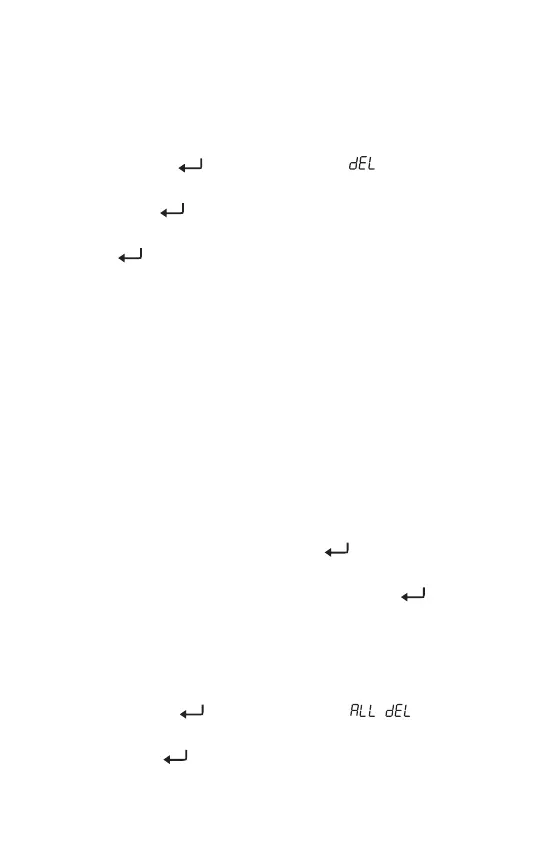
2) Press and hold the [ ] (DELETE) button until “ ” and “PRESET ”
flash on the display.
3) Quick press the [ ] button to confirm and delete the unwanted station.
Note: If the [ ] button is not pressed for confirmation within 3 seconds,
the delete function is exited automatically.
Deleting Stations During Memory Scan
The device can auto scan all stored stations within a frequency band, staying
on each station for about 5 seconds, and giving you the opportunity to delete
any unwanted stored stations.
1) Quick press [ VM ] to enter the memory mode.
2) Select a frequency band.
3) Press and hold the [ VM ] button until “PRESET ” flashes in the upper
right corner of the display. The device starts to scan all stored stations
and stays on each station for about 5 seconds before continuing.
4) Upon finding an unwanted station, press the [ ] (DELETE) button. No
confirmation is required and scanning continues immediately.
5) To stop the memory scan, quick press any button (except [ ] (DELETE).
Deleting Stations within a Frequency Band
1) Quick press [ VM ] to enter the memory mode.
2) Select a frequency band.
3) Press and hold the [ ] (DELETE) button until “ ” appears on
the display.
4) Quick press the [ ] button to confirm.
DELETING STORED STATIONS


 To Next Page