11
PL-398MP
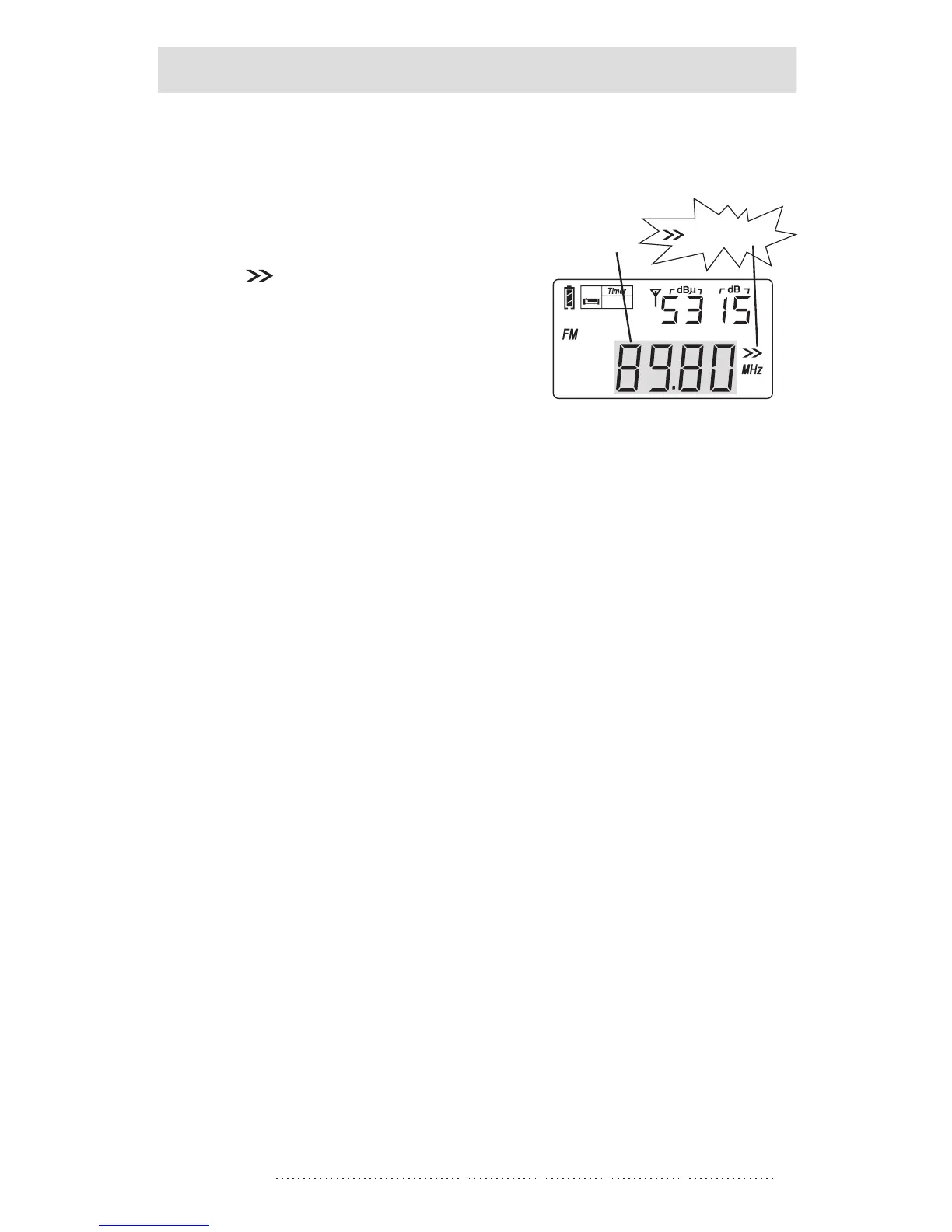
METHOD 3: AUTO BROWSE STATIONS
1. Turn on the radio and press
the [VF] button to switch into
frequency mode.
2. Press & hold the [VF] button
until [ ] advancing to scan
from one station to another,
staying on each station for
about 5 seconds.
3. To stop the auto browse
function, simply press the
[VF] button.
Note: While operating the “Auto-browse Station” function,
you can press the [M] button anytime to store the station
into memory; the unit will keep on auto browsing the next
available station afterwards.
METHOD 4: DIRECT KEYPAD ENTRY
To search for a frequency, turn on the radio and press the
[VF] button to switch into frequency mode, press the
numeric keys [0] - [9] to enter the station frequency directly.
To search for those stored stations, press the [VM] button
to switch into memory mode, then press the numeric keys
[0] - [9] to enter the preset memory number directly.
Notes:
1. Ignore the decimal point for FM band when inputting the
frequency numbers.
For example, FM 89.3 MHz, just enter 8 9 3.
2. If the entered frequency is not within the covering area,
the display would display “Err” (error) symbol.
SLEEP
Auto browse station
advancing
Frequency
changing



 To Next Page