7
PL-398MP
HOW TO USE MP3
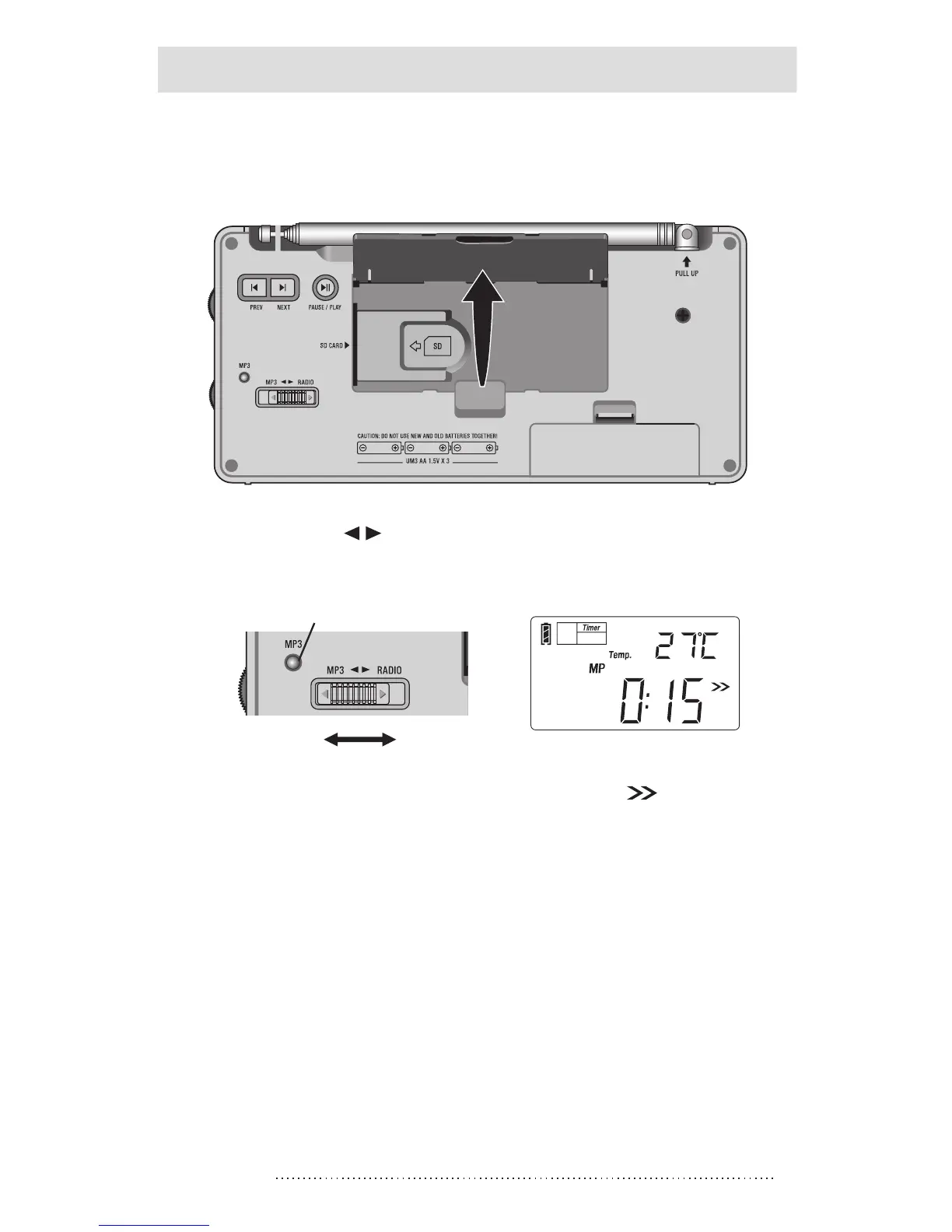
1. Open the back stand; insert the SD card into SD card slot
in accordance with icon direction.
3
MP3 RADIO
MP3 indicator
2. Push the [MP3 Radio] switch to the “MP3” location to
select MP3 mode.
3. Press the [POWER] button and notices " " flashes on
the display to activate MP3 function.
4. Press the [PAUSE/PLAY] button to play MP3 music;
press again to pause.
5. Press the [NEXT] or [PREV] button to play the next or
previous song.
6. Rotate the [VOLUME] knob to adjust volume.



 To Next Page