12 PL-398MP
WORKING WITH STATION MEMORIES
There are in total 550 preset memories within the unit. 100
preset memories for each FM, MW, and LW band, and 250
for SW.
METHOD 1:
FM ATS:
1. Fully extend the telescopic
antenna and then press the
[FM] button to select FM band.
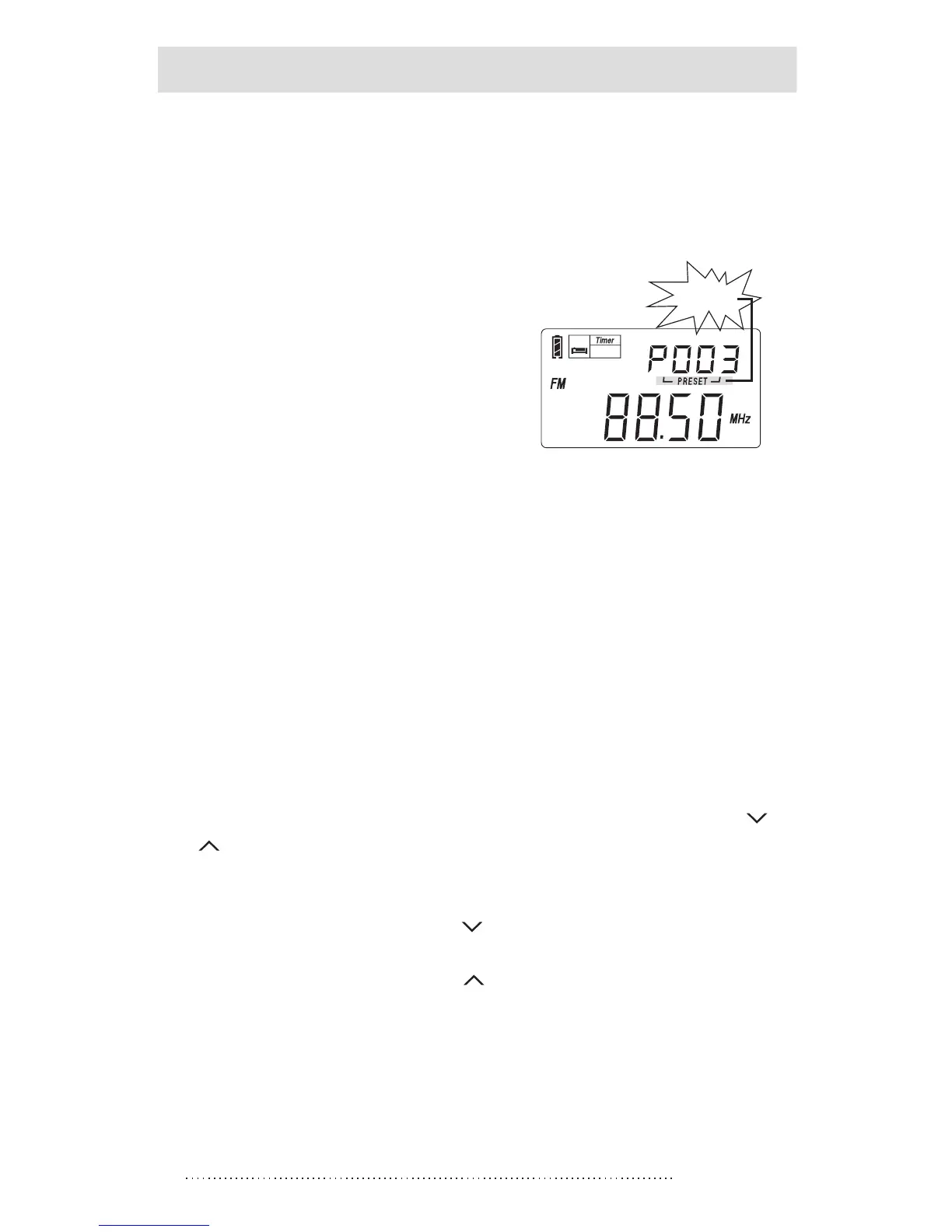
2. Press & hold the [FM] button
until “PRESET ” flashing and
the frequency advancing; now
the unit starts scanning and
storing all available stations
into the memories.
When the frequency stops advancing, it means the ATS
operation is done completely. You can rotate the
[TUNING] knob to search for those stored stations.
MW/LW ATS:
Press the [MW/LW] button to select MW/LW band, then
follow step 2 of FM ATS.
SW ATS:
Fully extend the telescopic antenna and press the SW[ ]
or [ ] button to select SW band. There are two modes for
SW ATS tuning:
Mode A: Press & hold the [ ] button to ATS the stations
within all meter bands
Mode B: Press & hold the [ ] button to ATS the stations
within present meter band.
Notes:
1. During ATS process in FM, MW / LW or SW (mode A),
pre-stored radio stations will be replaced automatically
by the new searched stations.
ATS (Auto Tuning Storage)
flashing
Auto Tuning storage (ATS)
status
SLEEP



 To Next Page