© 2014 552_D - 09/14
18 of 44
A Watts Water Technologies Company
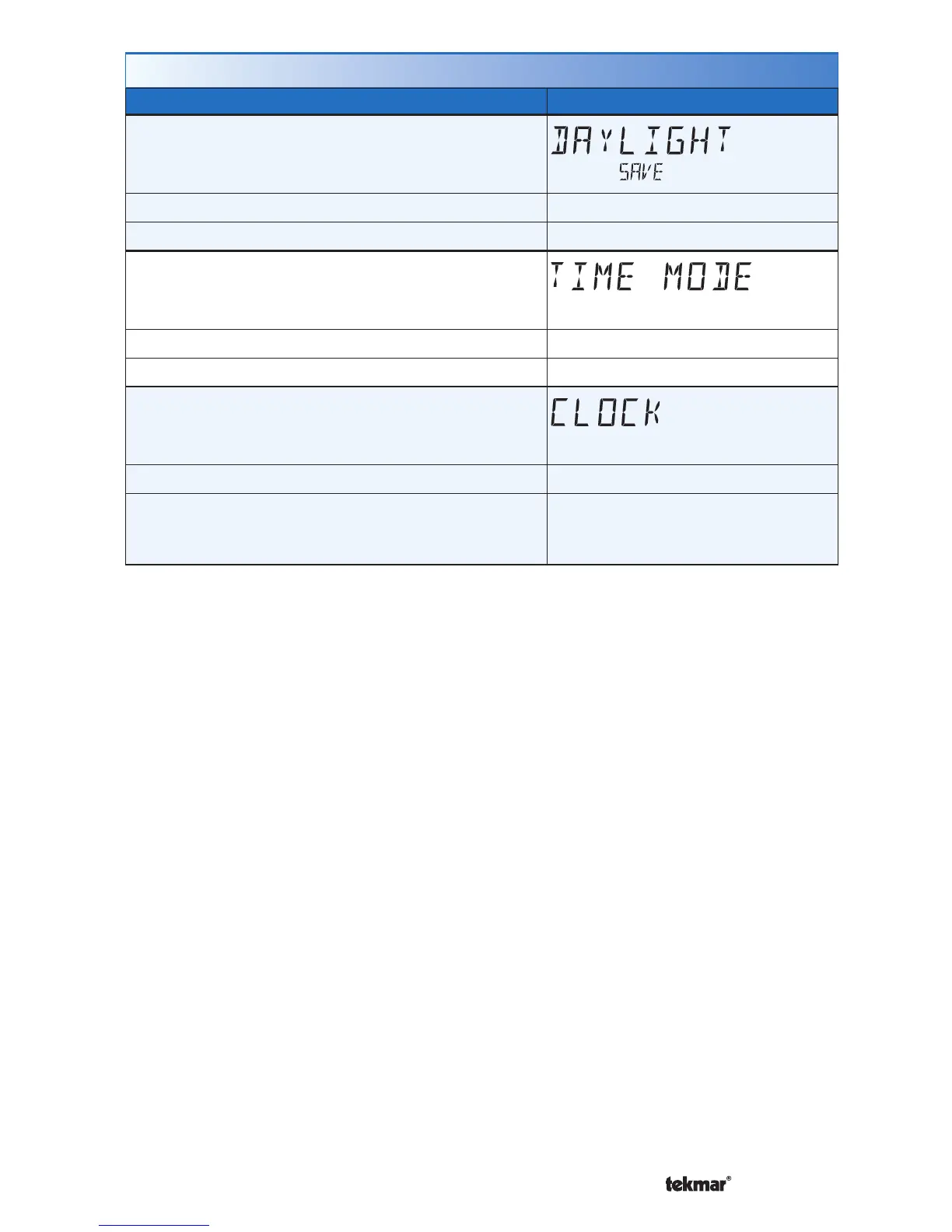
Time Menu (2 of 2)
Setting Display
DAYLIGHT SAVINGS TIME
Select if daylight savings time is observed.
Access Level: Installer, User Range: OFF or ON
Conditions: Clock setting is set to ON. Default: ON
TIME MODE
Select either 12 or 24 hour time format.
Access Level: Installer, User Range: 12 or 24 hour
Conditions: Clock setting is set to ON. Default: 12 hour
CLOCK
Select whether or not to show the time clock on
the display.
Access Level: Installer, User Range: OFF or ON
Conditions: The time is always shown when a
schedule is used and the clock setting option is no
longer available.
Default: OFF



 To Next Page