VOT1; Rev 1.5; EN; 5.11.2015
TKT66 – Installation and maintenance
5.3.2 Forced charging of the batteries
Before using the Forced charging of batteries, test each battery separately with a a battery tester.
There is a button for forced charging in the charger board. If the battery voltage is under 110 V, push
this button for 1-2 min and measure the battery voltage at the same time. Charging starts automatically
when battery voltage rices up over 110 VDC. If the batteries, the main input voltage and all fuses are
OK and the charger doesn’t charge, it is broken. It has to be replaced with a new one.
5.3.3 Checking the luminaire circuits one at a time
The circuit-specific checking can be done using either addressable or circuit monitoring. The central
battery unit can either be configured or not.
To checking the functionality of a single circuit,
1. Press the BROWSE button until the display shows the number of the circuit whose luminaires'
functionality you want to check.
2. Press the MENU / OK button.
3. Use the BROWSE button to select 2, Testing.
4. Use the SET button to select 1 = Starting the luminaire test
5. Accept the selection with the MENU / OK button.
Luminaire test is flashing
External fault is flashing
Checking luminaire circuits on at a time is running.
As the checking process progresses, the LEDs will show the luminaires found in the circuit or the total
input power of the circuit. Once the test is complete, you can use the BROWSE button to have the
central battery unit display the tested luminaire circuits and the luminaires detected in them or the total
input power of the circuit.
5.3.4 Configuration
It is advisable to check before the configuration that all the luminaires are actually working, because the
configuration will teach the functionality of the existing luminaires to the testing system. The learned
configuration will then be used as a reference for all future tests.
NOTE: When CIRCUIT MONITORING is used, the central battery unit and the maintained luminaires
must be allowed to warm up for at least one (1) hour before the final configuration. This is essential,
because the warm-up time allows the luminaire currents to normalise.
The warm-up is carried out by running a luminaire test, as instructed under LUMINAIRE TEST in
chapter 4.9 , Control Module panel. The warm-up phase is not necessary when using addressable
monitoring.
In addressable monitoring, the central battery unit sends inquiries to the circuits in order to determine
the luminaires in the circuits.
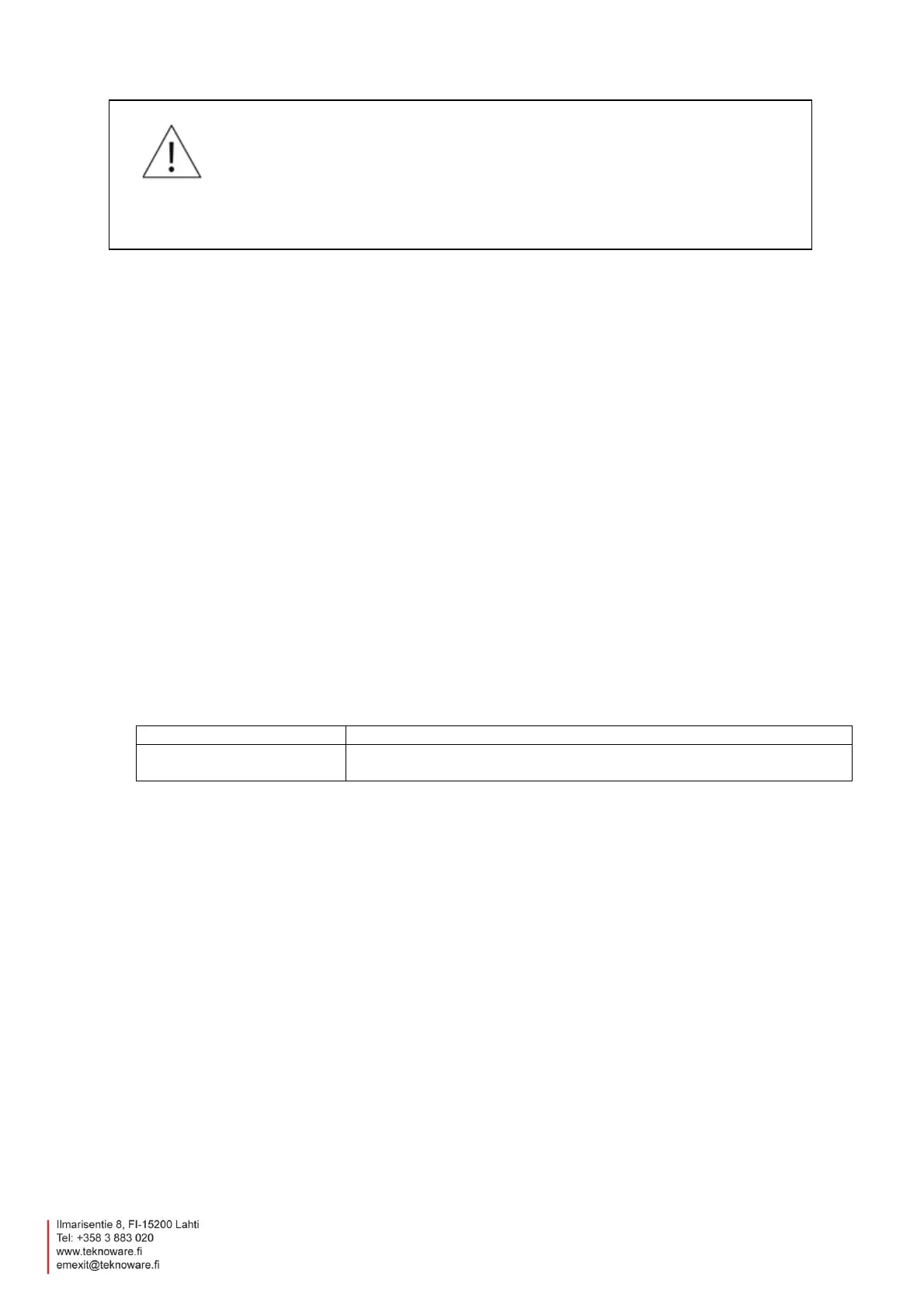
WARNING
Using forced charging button is live working and it must be done in accordance with live
working declarations.


 To Next Page